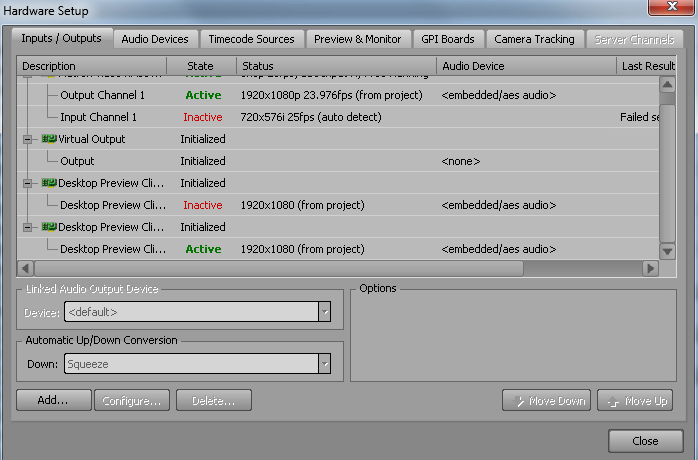
Hey everyone. This week we're trying a slightly unusual setup in that we are running the our Xpression remotely to use at our football stadium (the outputs are running there via fiber). There are two options to do this - the first is to use a remote desktop application to log into the xpression. The problem there is that fast recall will not work as I would like it to.
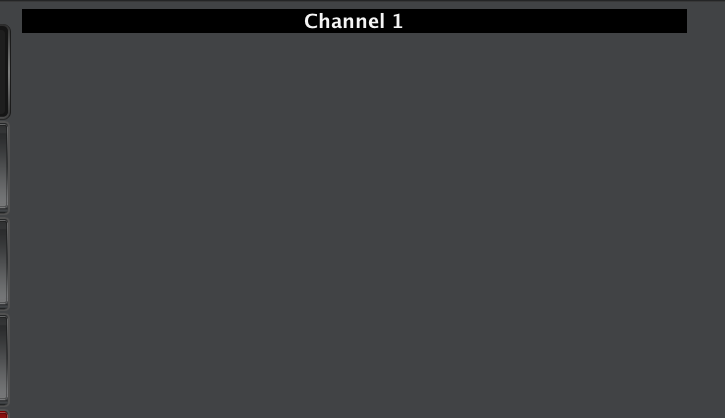
My second solution is using a Dashboard panel. We already have an Xpression control panel built in Dashboard, and that functions perfectly when I run dashboard off my Mac. The only thing that doesn't work is the Xpression Preview we have built inside of it. I just cannot figure out what's going on here. I have gone through the hardware setup on the Xpression itself, and that output reads as "Active", but then in dashboard nothing shows up.
I haven't been able to try in on a PC, and don't really have access to one anyway. Just wondering if anyone has even tried this before or if there's something I am totally missing.