Hello, I'm a graphics producer for sports radio shows simulcast on television. The entire graphic basis of the show revolves around an L-frame with siderails and these topic bars I created about a year ago. I got transition logic working, but I really want to refresh these and add new elements - but it appears to me that doing so would become prohibitively involved with the logic involved. Am I over-complicating this?
Here is the topic bar:
I made a worksheet in Excel for my logic to keep track of all possible states that I would need to consider with the transition logic. The logo box on the left I referred to as simply "L", the logo box on the right as "R", and the header bar as "H". So the possible changes for the header would be for it to animate in, animate out, update, or stay the same. The possible changes for R would be for the box to animate in, animate out, update due to a different logo, update due to a different headshot, update due to headshot visibility changing, stay the same with a headshot visible, and stay the same without a headshot visible. And so on. Here is my worksheet:
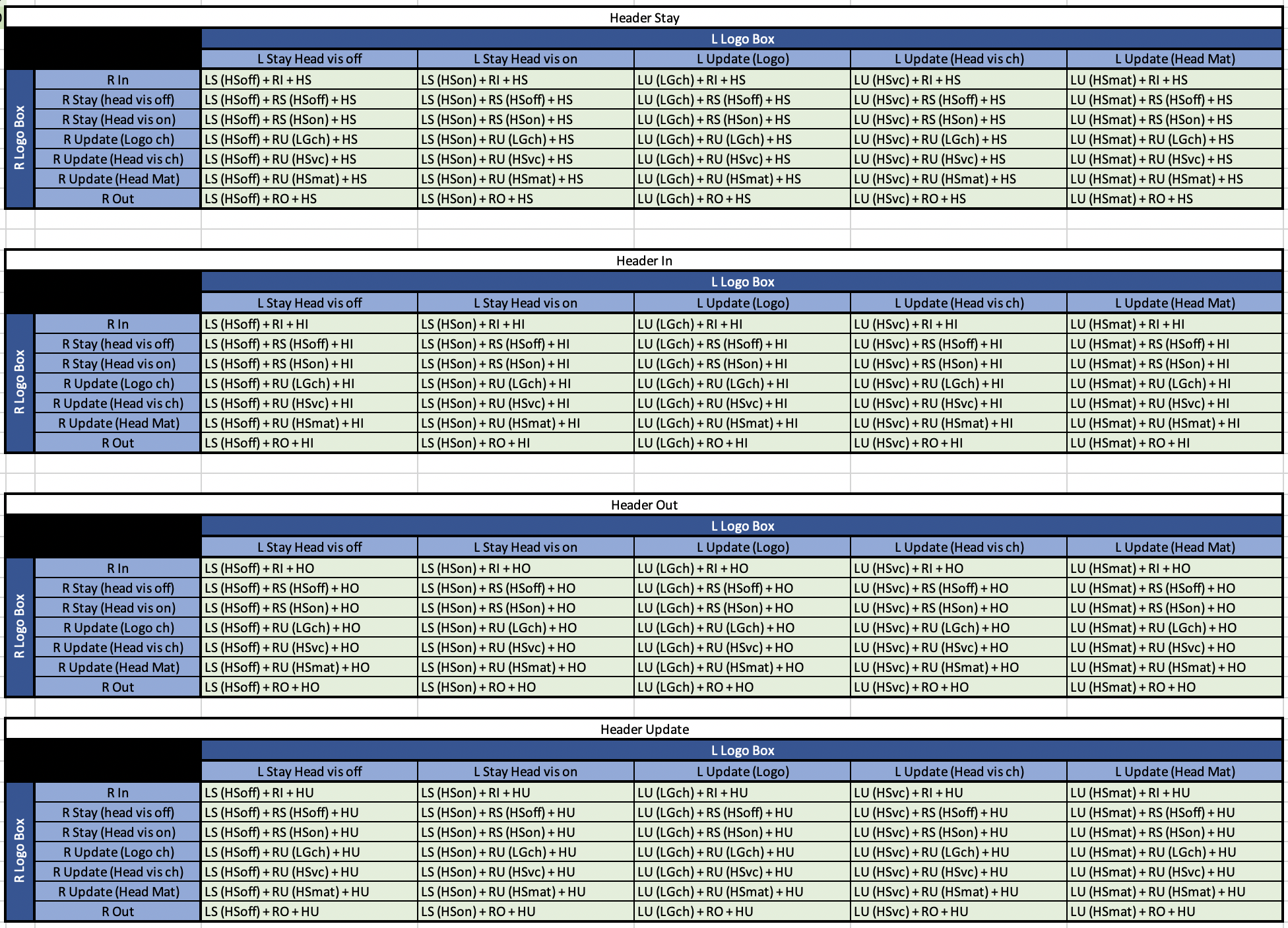
Each of the green boxes stands for an individual rule for back-to-back in/out transitions, which all contain a set of conditions. And each rule triggers in and out scene directors made up of animation controllers with the corresponding transitions for each piece.
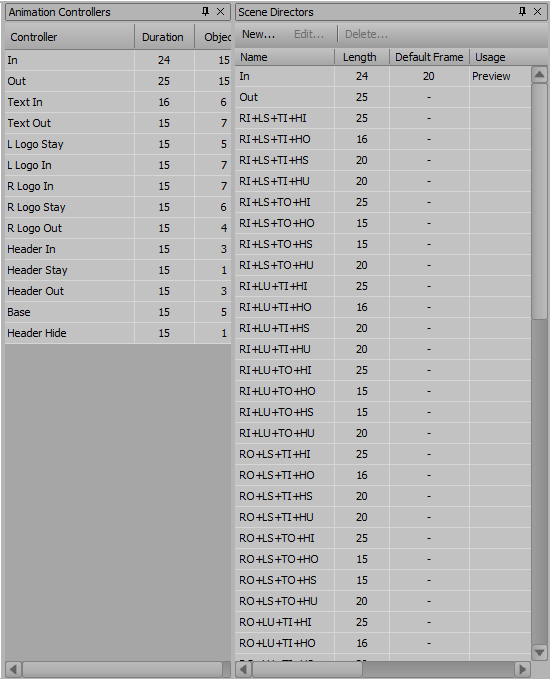
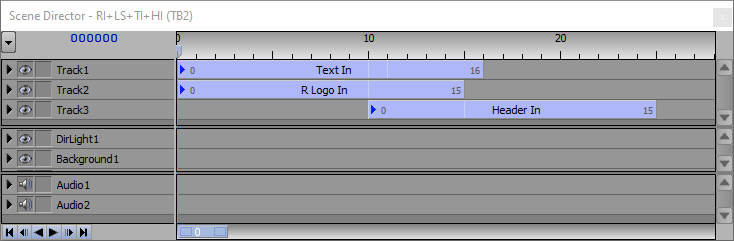
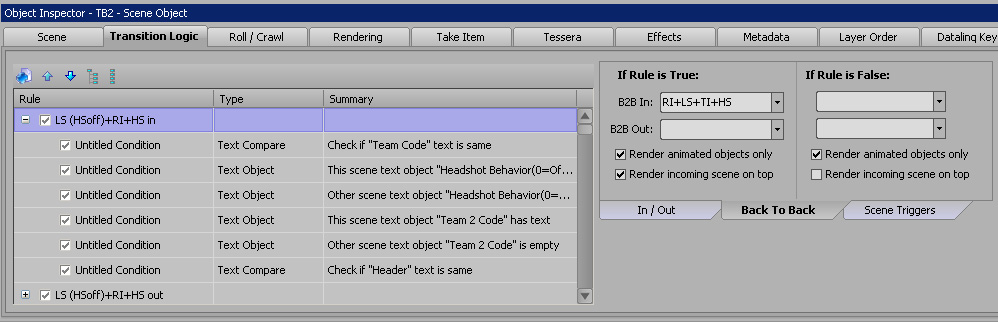
So, to add another element to the mix, such as a dropline bar similar to the header bar, it appears that these 140 rules would end up multiplying to 560 rules, all with sets of many conditions, and nearly as many scene directors.
Am I setting this up the best way, and does this indeed set me up for such a prohibitive amount of scene director constructing and logic setting? I feel like there HAS to be a better way, but I don't see one. If anyone could help either reassure me that I am indeed doing this right, or help save me from a painful marathon, I would deeply appreciate it.
Please feel free to ask any questions you may have that could help, I'll be happy to fill you in.
Thank you so much in advance!!