Hello jbins,
this can be done without scripting or Visual Logic :
- set your "Blank Line" object as a child of your text object. Adjust his X-pivot, Width (and/or X-scale) so it match the position and size of the current text.
- on your text object : set Auto Scale enabled , with mode "width only"
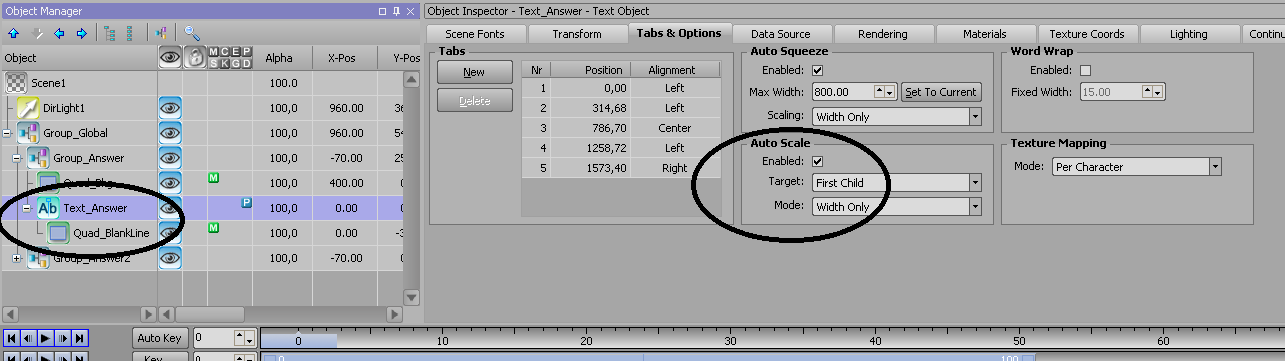
Now If you change the text, the "blank line" should follow.
Then enable "Auto Squeeze" on your text object and define a max. width. to make it stop growing
See project sample attached : TYT_TextSqueeze_Underlined.zip
#XPression