Hi Aleksander,
Each audio fader has an oid that you can hook onto and modify, So, if you drag the audio fader onto another panel and use the parameter inspector(ctrl + i) you can get the specific parameter that you want.
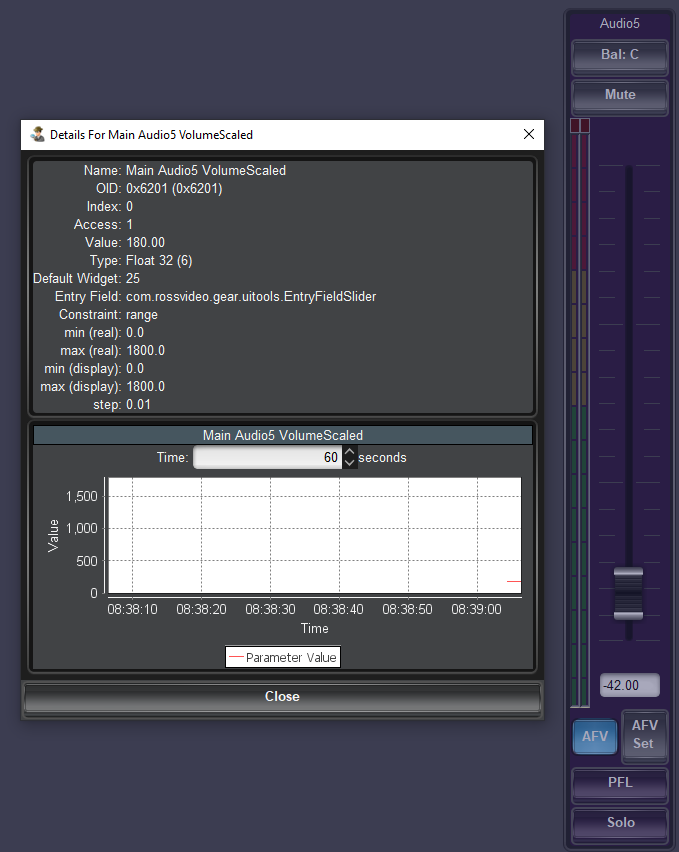
The parameter inspector is similar to panelbuilder mode in its interface however it lets you look at individual parameters of a panel.
This way you can get all the oids that you want and then create a button or any task that you want to run and set these parameters.
for setting the values of the audio mixers I use Visual Logic since i can just add whichever device i want to modify to my basic tree
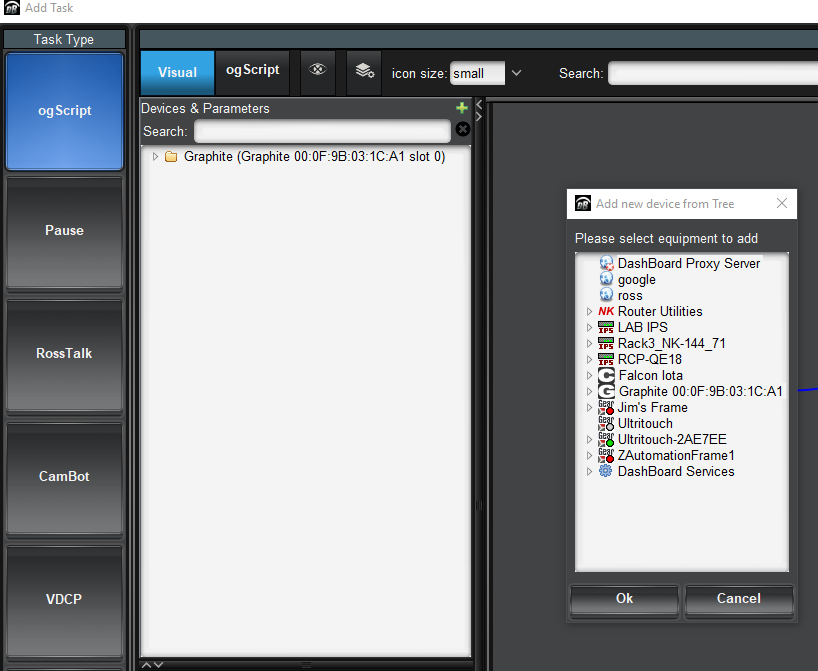
then i just search for the name of the parameter that i want to modify 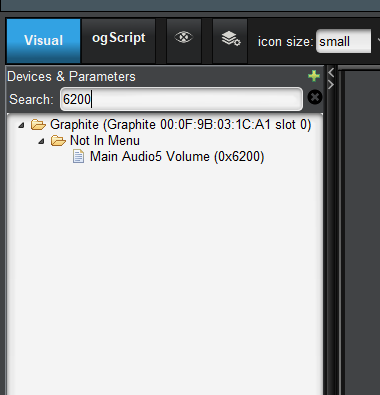
double click it to add it to our graph.
Then I add a number using the search area in the "Control and Apis" section
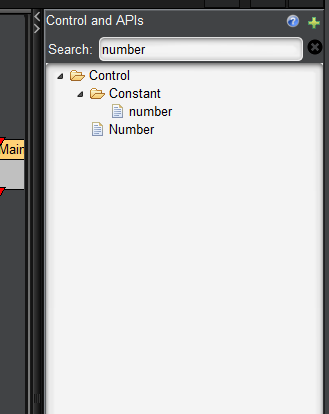
give it a value in the graph and then link it to the parameter that you previously selected.
This is an example of how my graph for a parameter looks like.
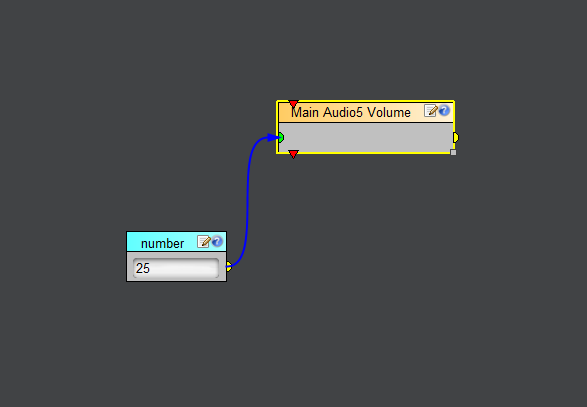
This should generate the ogscript code necessary to set this parameter value when the button is pressed.
Rinse and repeat and you should be able to get all the parameters you want initialized!
Mohamed
#DashBoard