Facility Control

 View Only
  • 1.  Images on Ultritouch

    Posted 05-10-2019 20:44

    I'm trying to get a local image file to appear on my Ultritouch panel. I've tried combining it all into a ZIP file and even using an external URL to access it, but the panel itself doesn't show it. I've managed to get it in DashBoard. Any tips on this?


  • 2.  RE: Images on Ultritouch

    Posted 05-13-2019 15:05

    Hi Rob.

    For images to work on Ultritouch, you'll want to make sure that all URLs for panel assets (images, scripts, includes, etc.) are relative to the CustomPanel. The easiest way to make sure of this is to have the assets either in the same folder as the CustomPanel or in a sub-folder inside the same folder as the CustomPanel.

    I have just created a panel with image assets and verified that uploading to Ultritouch is working.


    Here is how things should look:
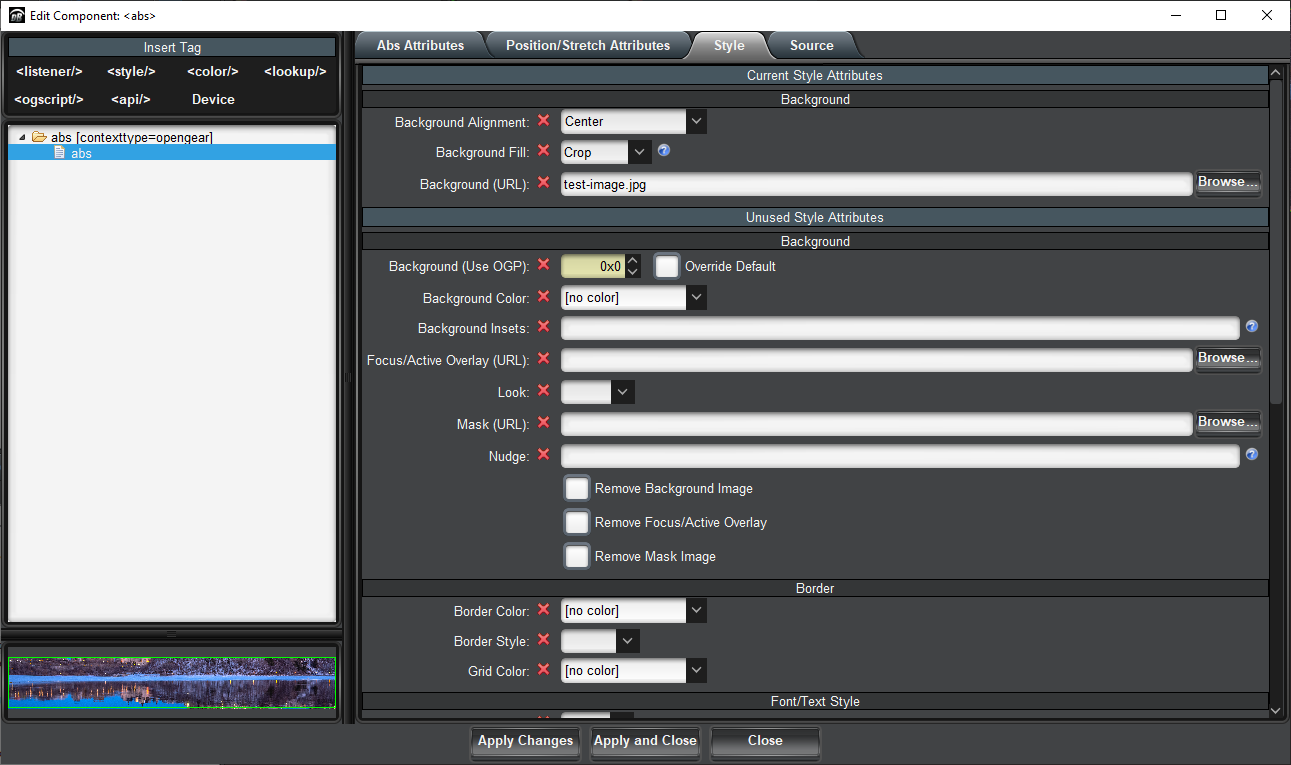
     

    Here is an example that will not work:
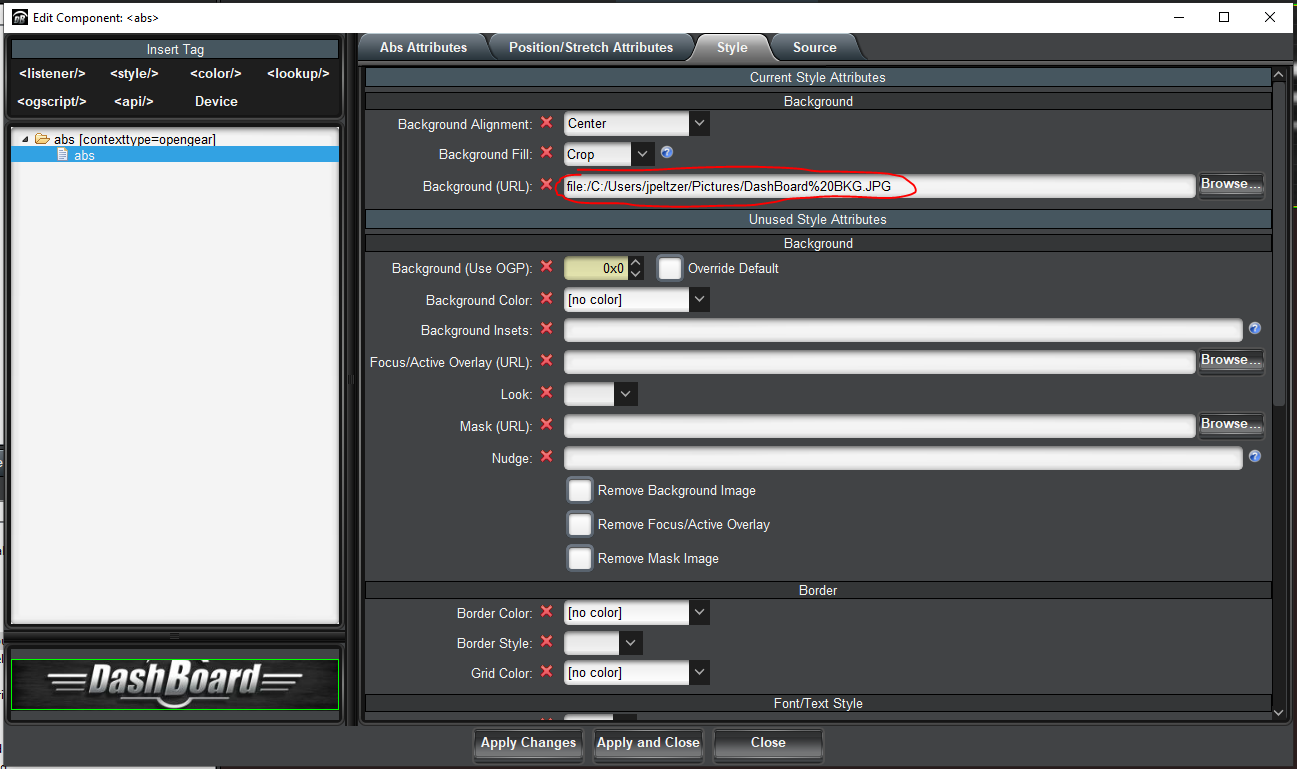
     

    Please let me know if this clears things up - otherwise, we can debug further.


    Cheers.

    James


    #DashBoard


  • 3.  RE: Images on Ultritouch

    Posted 05-13-2019 18:02

    Thanks James - but I can't seem to upload images. Do I have to zip up all the files?


    #DashBoard


  • 4.  RE: Images on Ultritouch

    Posted 05-13-2019 18:20

    Hey James,

    I put both files in the same location, zipped them up and uploaded to the panel, and it looks like it's working. Thanks for the tip!


    #DashBoard