Facility Control

 View Only
  • 1.  Creating Custom Panels to Control Ultrix

    Posted 02-01-2021 14:35

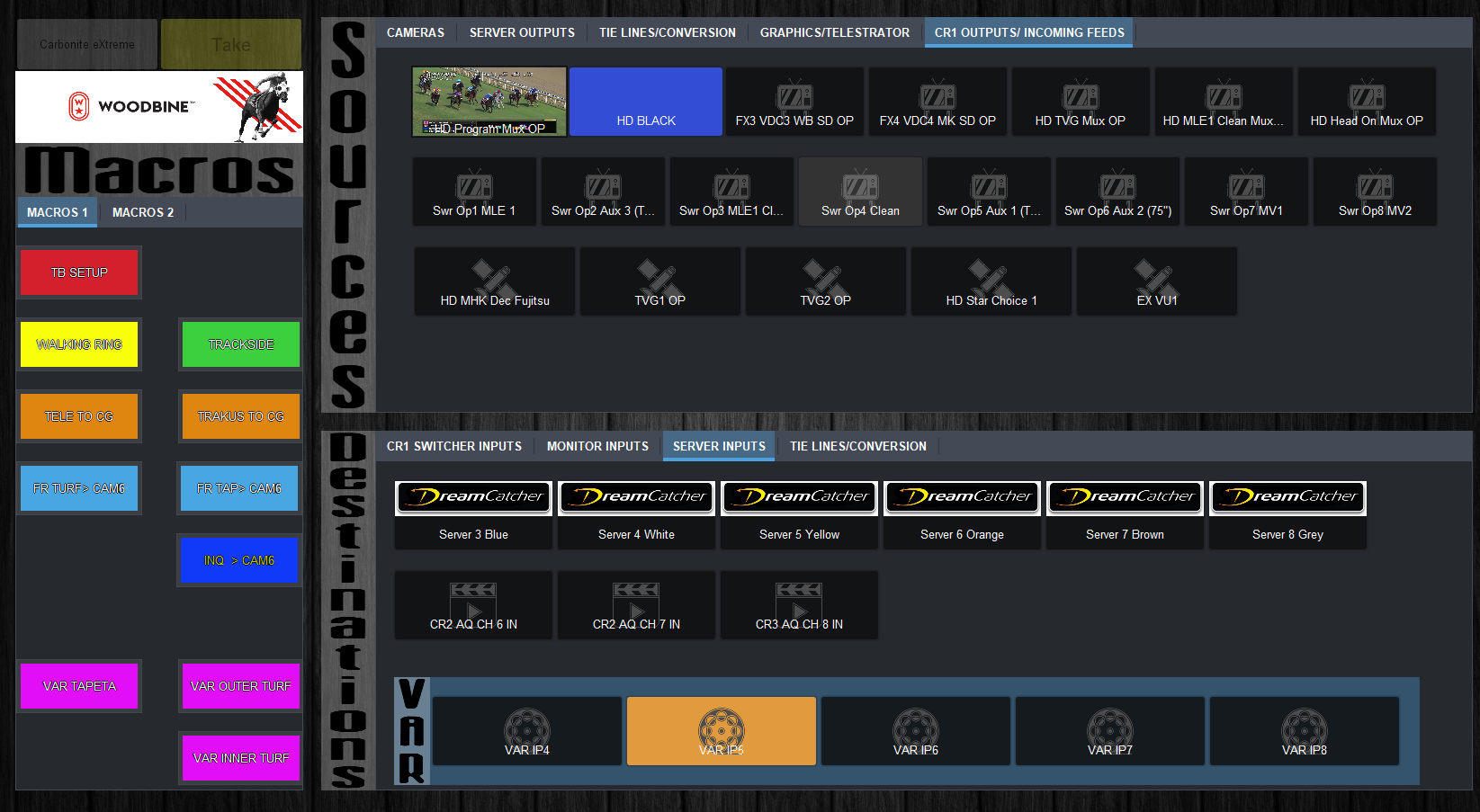
    Looking to create a custom panel for a Ultrix where the buttons are customized etc. Coming from using a NK router where you can easily add source/destination/level buttons to a panel but Ultrix doesn't seem to be as easy. Can custom panels be created using Dashboard for the Ultrix or are you limited to the templates provided in the Ultrix portion of Dashboard (ie. push button, multi-bus, etc)? Have an example below of the panels we use for the NK which is what we are trying to mimic.

    Not sure if I'm missing something here and maybe it is as easy as NK. Also I should state not very proficient in scripting. Thanks.


  • 2.  RE: Creating Custom Panels to Control Ultrix

    Posted 02-01-2021 23:13

    The easiest way to do it is though some scripting and I understand the hesitation there.  There also doesn't seem to be a lot of documented Rosstalk commands for Ultrix outside of launching Salvos.  I'd suggest starting in a custom panel while the Ultrix is in your Basic Tree view. Then Insert button, add a task with "Add" on the left under "Devices and Parameters" click the Green "+" and "Add Device from Basic Tree". There you will be able to see all of the built in commands for the Ultrix.  

    Another option if you really want to avoid scripting is to reach out to the Rocket Surgery team for coding support.  It will cost but from my experience the output is awesome. 


    #DashBoard