Production Switchers

 View Only
  • 1.  Control Panel Button Inserts....

    Posted 03-12-2016 07:06

    The manual states that one can find a template for the Acuity panel buttons at Ross Video.com BUT I can't find it...!

    I need the Aux Side Panel button inserts. Anyone knows where this is...?

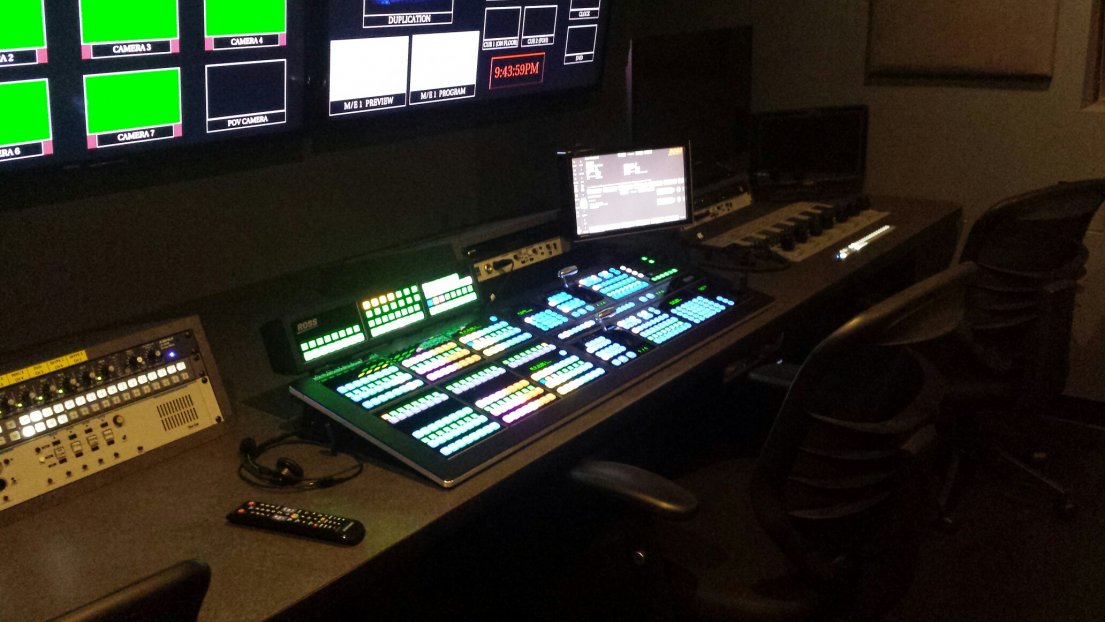
    I have set-up two Ross Vision Switcher's and this is my first Acuity set-up (I am an Engineer, not a Technical Director). I was confused on a couple of things but I eventually "got it". I must say that this switcher is a very flexible and powerful switcher! Kudos to the Engineering team!


  • 2.  RE: Control Panel Button Inserts....

    Posted 03-12-2016 14:09
    I also cannot find the button template on the Acuity page but the Carbonite uses the same buttons. Go to the Carbonite Black product page and at the button below manuals you will see the button template

    Mike
    Tech Support
    #Acuity


  • 3.  RE: Control Panel Button Inserts....

    Posted 03-12-2016 15:44
    Thank you Mike! I appreciate you pointing me in the right direction.

    It would be nice if Ross not only had the Adobe Acrobat version but a MS Excel sheet also. What I am going to do is align the Acrobat document with my Excel template.

    Sincerely,
    Fletcher Garrett
    Engineer
    #Acuity


  • 4.  RE: Control Panel Button Inserts....

    Posted 03-14-2019 15:37
    I must be missing something here - Download consists of a file with .lbl extension. I don't have anything to open it up with.
    #Acuity


  • 5.  RE: Control Panel Button Inserts....

    Posted 03-14-2019 15:54
    Jon -- the lbl file is not a template for printing out the Button Inserts at the correct sizes that is the file for importing into dashBoard so that you can use a Router Panel as an Aux Panel.
    #Acuity