Hi Les,
I thought of that. Only one memory was using the CK. It's the only memory in the entire library that uses it. It was odd. Just pressing SEL in the keyer changing the key source and the type was another flakey thing going on. I recalled the RMEM and just started over. It seems happy now. I assume it was some planetary alignment at work.
------------------------------
[Danny] [Skarka] Ross Pilot since Synergy
[Producer, Director, Technical Director]
San Francisco United States
------------------------------
Original Message:
Sent: 05-12-2026 13:35
From: Les O'Reilly
Subject: Chromakey turns off
You are probably using the Same CK Resource in both of those.
The ME keyers do not directly take control of the CK engines -- They are able to re-use the same ones so you could have the same chromakeys but then different compositions. The CK is effectively providing an Video + Alpha to the ME keyer that is then layering it in
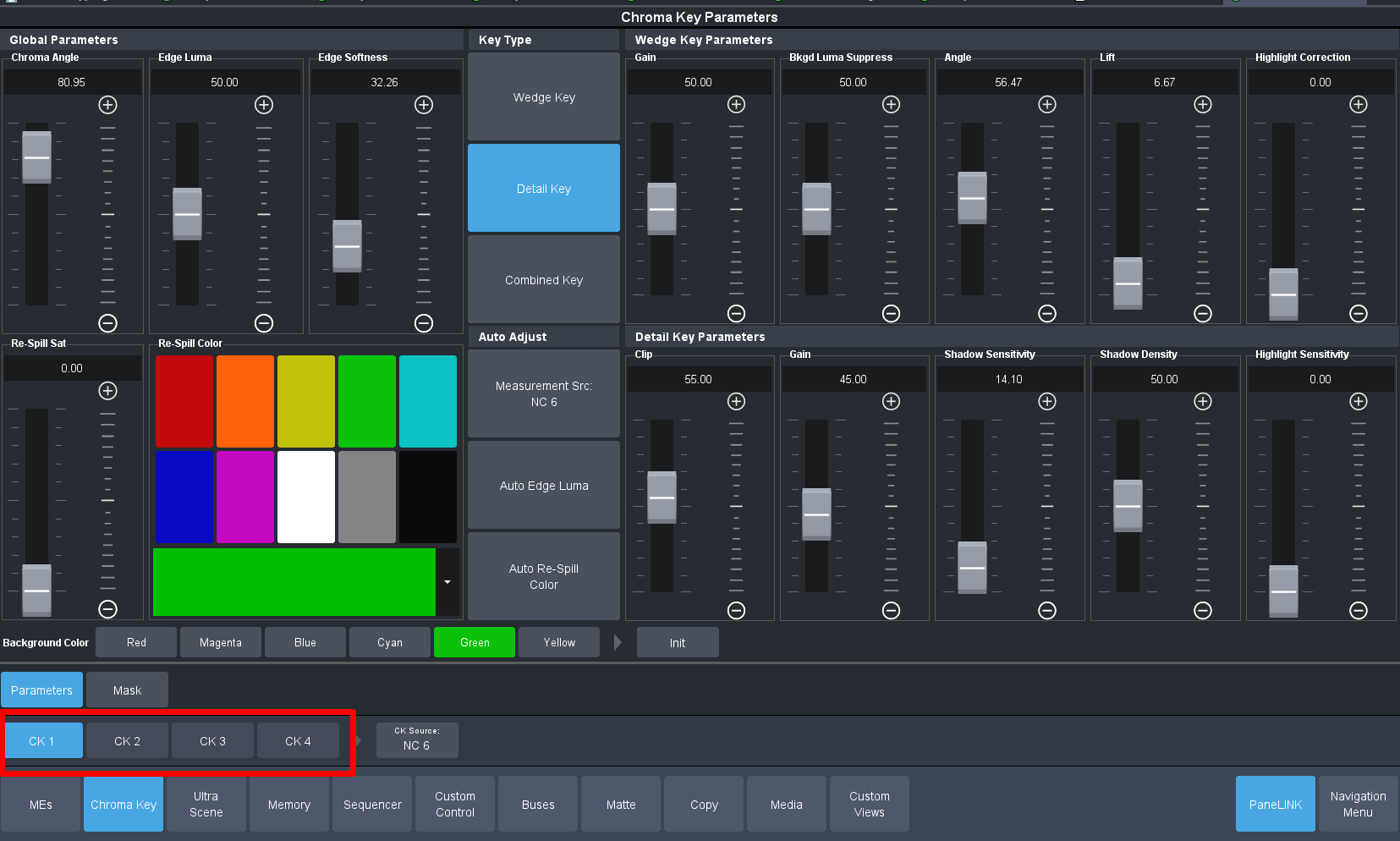
So in the MiniME you can select which Chroma Keyer Resource to use:
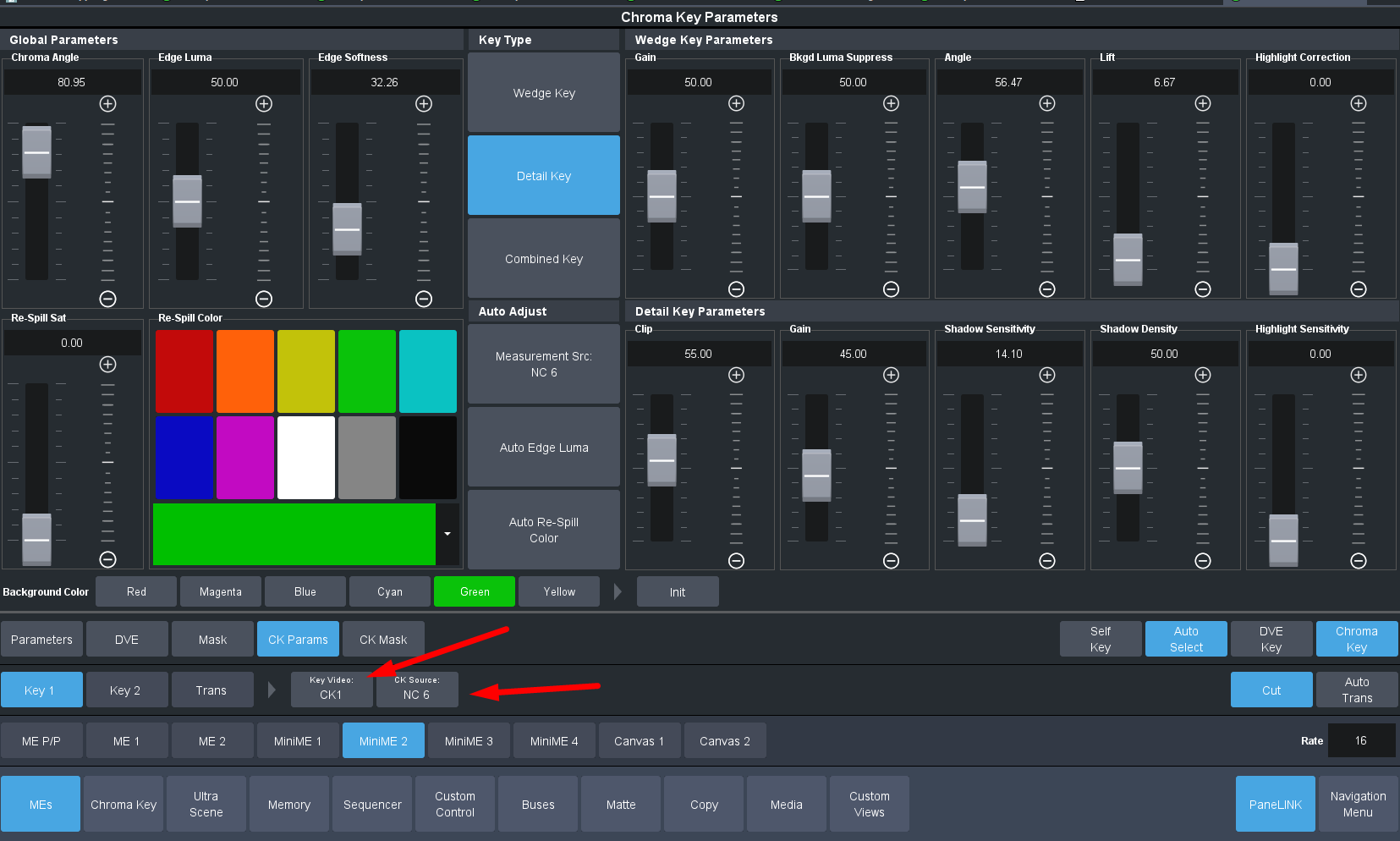
And then you pick the source to be keyed with the button on the right.
There is more flexibility in the system and when using it in a more familiar way many people end up setting then to use the Same CK1 a lot of the time.
------------------------------
Les O'Reilly
Director, Switcher Product Management
------------------------------