Connectivity

 View Only
  • 1.  Dashboard - Launching Panels for Production

    Posted 20 days ago

    Hello.

    I have recently created two different multibus panels in dashboard.  This will allow production to embed any mic to any camera in our location.  Unfortunately, these panels live in the BCS section in the basic tree view.  Currently I could launch both of these panels and close the basic tree view.  My issue is if someone were to accidently close them, it would be difficult for them to reopen.  

    Is there a way to either auto launch these panels when you launch dashboard or maybe have a custom dashboard with 2 buttons.  Clicking on the buttons would open up each of the panels.  I'm also curious if I can open a prebuilt panel in a web browser so we don't have to use Dashboard.  

    Looking for a simple solution to allow production to get to these panels even if they close the tabs.

    Thanks


    ------------------------------
    Robert Kinnan
    Broadcast Engineer
    Spectrum Charter News
    ------------------------------


  • 2.  RE: Dashboard - Launching Panels for Production

    Posted 19 days ago

    I may have put this in the wrong community.  I am now a part of the Enterprise community which I believe deals with Dashboard.  I do not see where I can move the post so if needed, can a admin move me over. 

    Thanks


    ------------------------------
    Robert Kinnan
    Broadcast Engineer
    Spectrum Charter News
    ------------------------------


  • 3.  RE: Dashboard - Launching Panels for Production

    Posted 19 days ago

    Hi Robert,

    You make this easier through the Advanced Tree view in DashBoard. It doesn't make specific panels auto-open, but makes it much easier to find the deisred panels in the device tree.

    Here's a short video that shows you how to do it.


    ------------------------------
    Alun Fryer
    Technical Marketing Lead, Hyperconverged Solutions
    Ross Video
    ------------------------------


  • 4.  RE: Dashboard - Launching Panels for Production

    Posted 18 days ago

    Thank you for the video.  That did help a lot.  I am assuming by your video that I don't have the ability to hide the All Connections from the end user and only keep the folder?  This will definitely work but just trying to make this as simple for production to not go where they shouldn't.  

    Thanks


    ------------------------------
    Robert Kinnan
    Broadcast Engineer
    Spectrum Charter News
    ------------------------------


  • 5.  RE: Dashboard - Launching Panels for Production

    Posted 18 days ago

    Robert,

    it can be done.  I inherited a system that did just that.  On boot it opened an entire set of custom panels.   Sorry I can't give you step by step instructions because I didn't build it. 
    But it is definitely possible. 


    ------------------------------
    Paul Whitfield
    Nashville United States
    ------------------------------


  • 6.  RE: Dashboard - Launching Panels for Production

    Posted 18 days ago

    Need to go in a different direction.  I've created a custom dashboard with two buttons.  I want these buttons to trigger, basically a click or link, to an existing panel to open it.  If I view the established panel, it gives me multiple ways to ID it.  I just can't remember any of the logic to make that happen.  

    Thanks


    ------------------------------
    Robert Kinnan
    Broadcast Engineer
    Spectrum Charter News
    ------------------------------


  • 7.  RE: Dashboard - Launching Panels for Production

    Posted 18 days ago

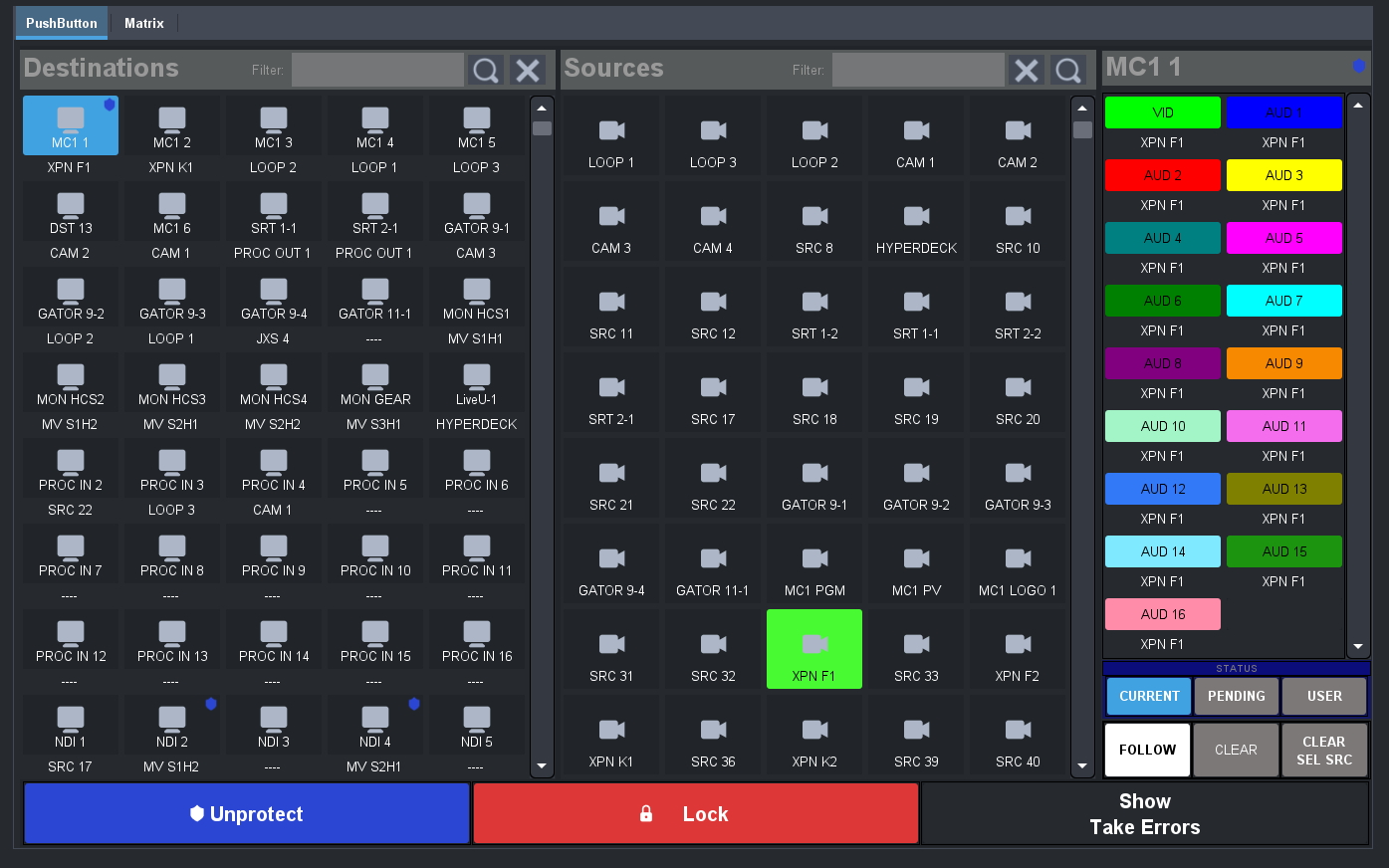
    You can create a custom panel and put a Tab container in it. Then drag the desired panel to each tab and insert the embedded editor. User then opens the custom panel and navigates to the desired panel. 


    ------------------------------
    Alun Fryer
    Technical Marketing Lead, Hyperconverged Solutions
    Ross Video
    ------------------------------


  • 8.  RE: Dashboard - Launching Panels for Production

    Posted 17 days ago

    Thank you.  That gave me what I needed.  Curious on why I need the tab container.  I tried with it and without.  Seems to work both ways.  

    Regardless, thank you.


    ------------------------------
    Robert Kinnan
    Broadcast Engineer
    Spectrum Charter News
    ------------------------------


  • 9.  RE: Dashboard - Launching Panels for Production

    Posted 17 days ago

    The tab container was just a method to have one page with either/or panel displayed. If you want both up on a single Custom Panel, that can be done as well.


    ------------------------------
    Alun Fryer
    Technical Marketing Lead, Hyperconverged Solutions
    Ross Video
    ------------------------------