First Lets put a new Panel.
Then throw down a Basic Canvas which we can then be able to associate the data to the switcher when we pull something in
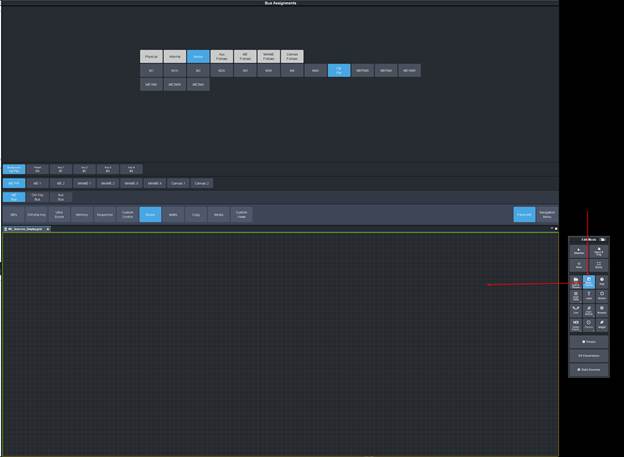
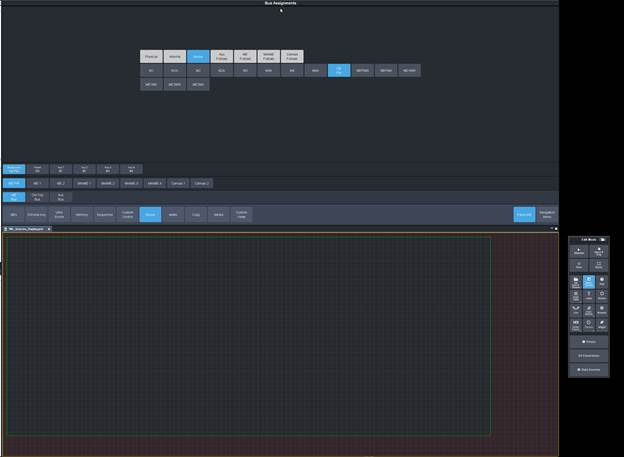 Now put the Buses page into Panel Builder Mode so that you can Drag from it -- make sure you click back into the Carbonite UI first
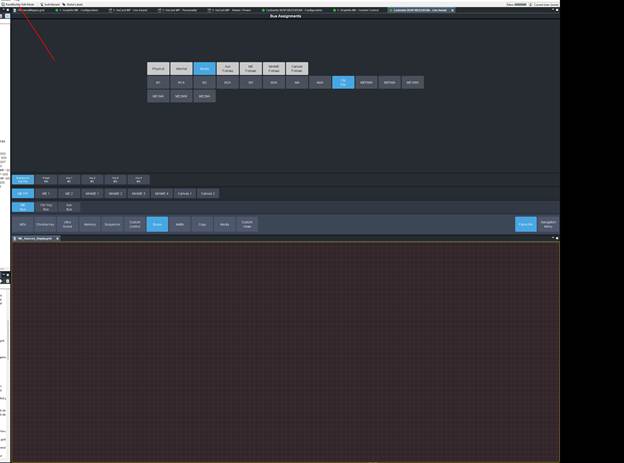
Now Let's grab the Background buttons and drag it down -- Make sure that in the custom panel the focus is still on the Canvas you made:
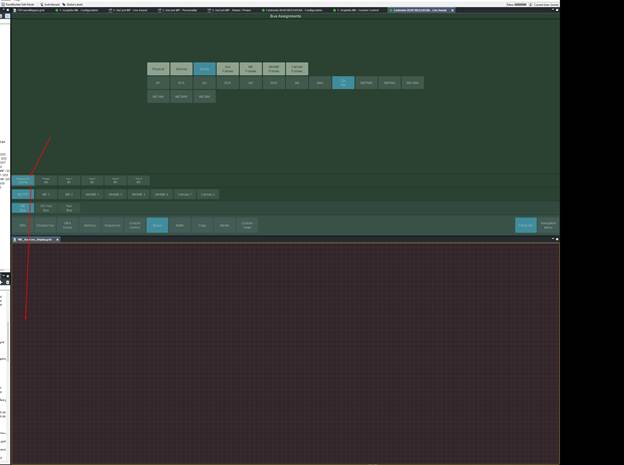 When it drops it will ask you for some info which will allow you to add the device context to the Canvas.
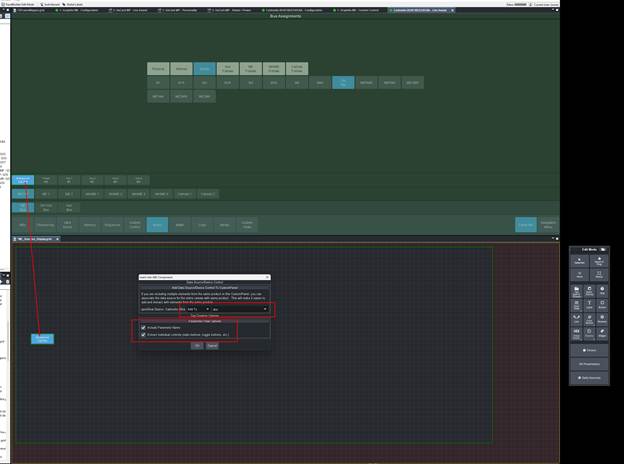 If you don't want the Label Then you can deselect it so only the Button shows up. Otherwise it will show the label like here:
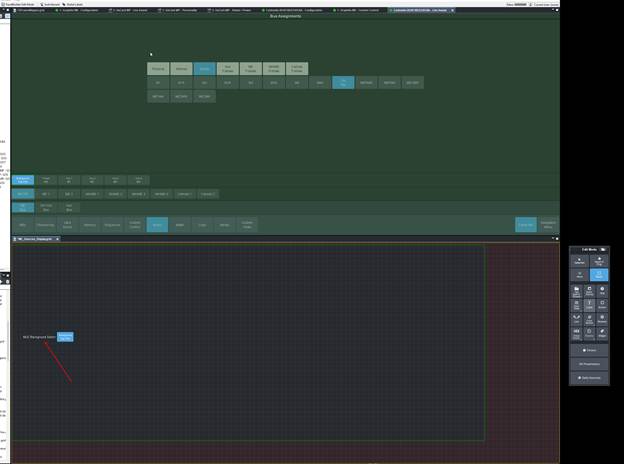
What it would look like with out the included Labels (you can always make your own labels that will give more context anyway.
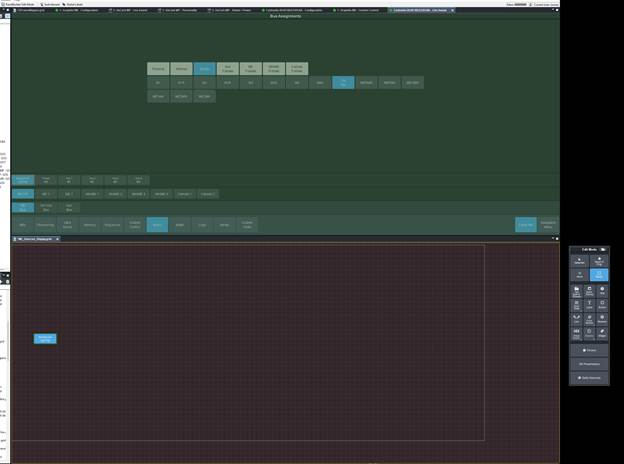
Then I can Make a Label for the ME with the Label tool and Resize the Button to give some space using the resize tool:
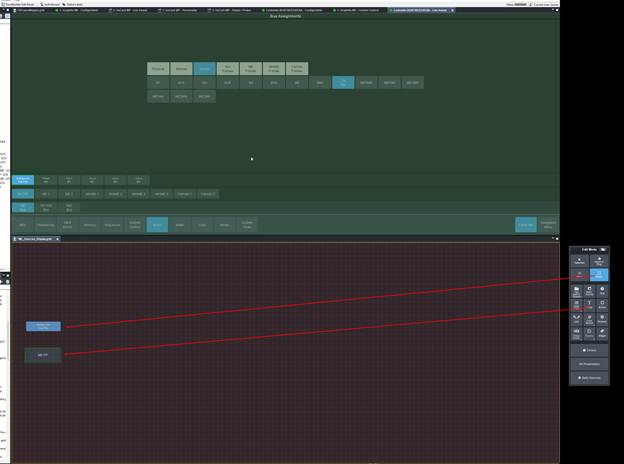
Now you can drag and drop those other ME Buses in as you like
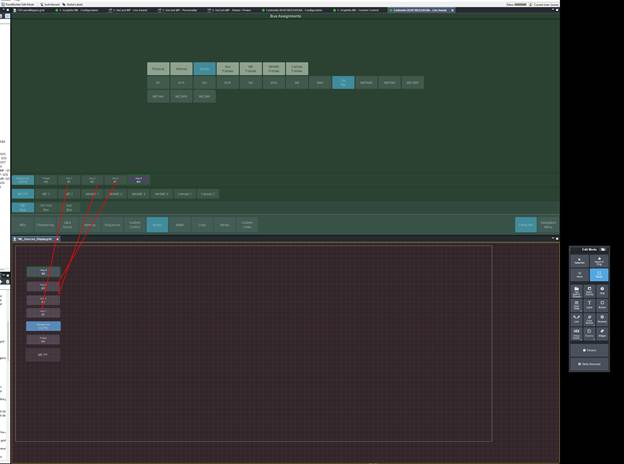
Then I also resized them and now I have my buses stacked up!! We can exit Builder mode to test this out so far :) -- you can leave the custom panel in Builder mode.
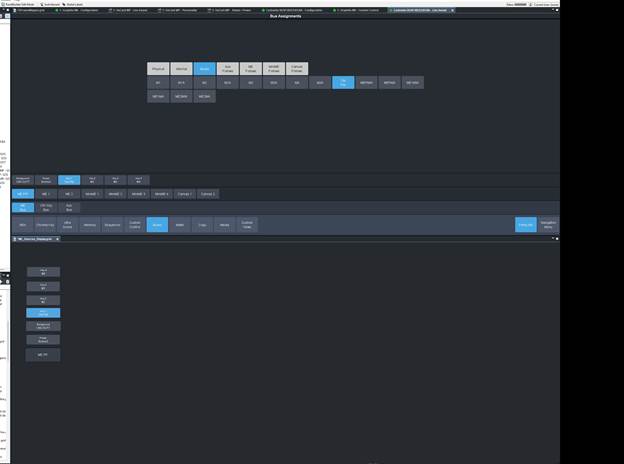
There we go. Now it will track along and show me the Data!
This should get you boing to build out all the pieces that you need to pull in!
------------------------------
Les O'Reilly
Director, Switcher Product Management
------------------------------