Production Switchers

 View Only
  • 1.  Graphite Audio - Midi controller

    Posted 09-07-2025 18:15

    Hi All,

        I have been searching, trying to find the step I am missing to make this work. I want to try out controlling the Graphite Audio Mixer with a midi controller. I went through the setup, adding a MIDI device to the dashboard, then finding the ID of the fader I want to use (CC56).
    I set Min: -128, Max: 10, Sensitivity: 552, Speed: 100, Transformation: Volume dB, Mapped OID: audiomixer.output.main.volume.

    Nothing happens in the UI for Audio Mixer. I do see the value go up and down as expected in the Dashboard Midi Controller window. I can only assume I am missing a link somewhere.

    Curtis


    ------------------------------
    Curtis MacDonald
    ------------------------------


  • 2.  RE: Graphite Audio - Midi controller

    Posted 09-07-2025 20:16

    make sure you are on Dashboard 9.15

    In the software folder (USB download) you would find:
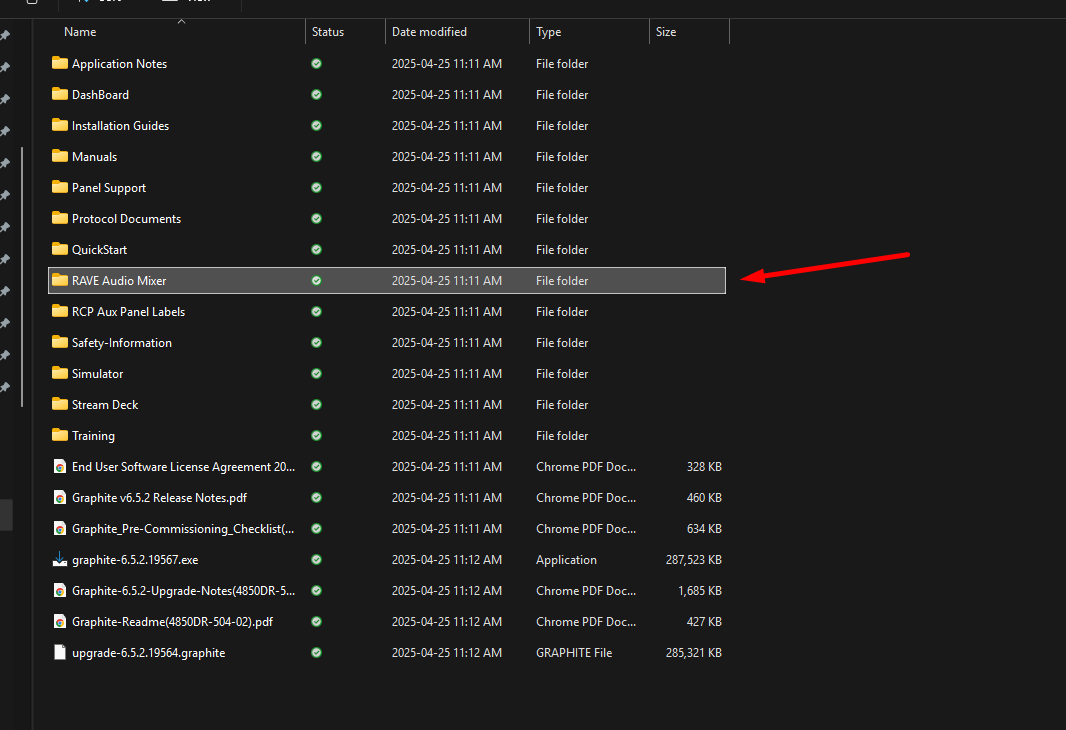
    The Midi device setup folder:
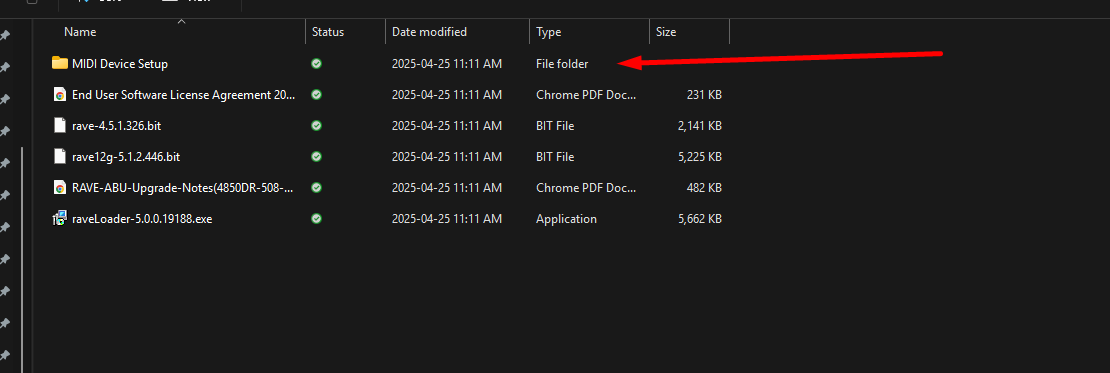
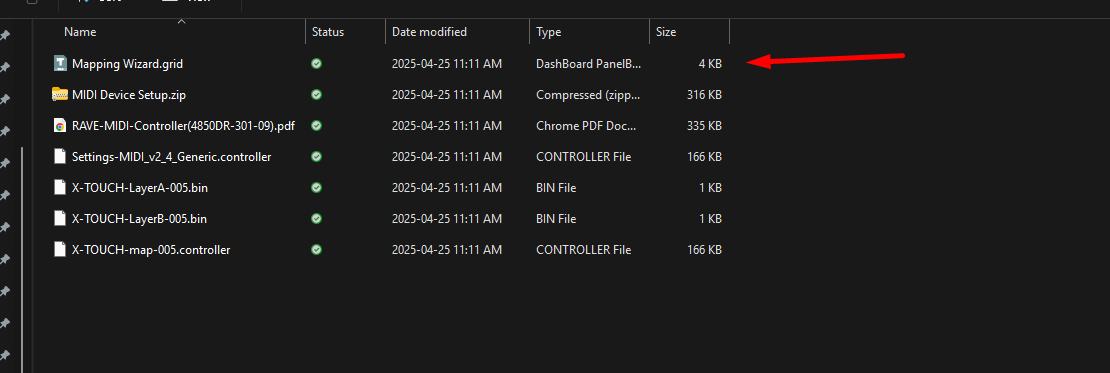
    There is a custom panel you can use to configure it to the "default layout" that works with the Xtouch .. but really it just links to standard midi events

    you can map your hardware to the same CC and Notes.

    here is a link to the MidiDevice setup stuff

    https://www.dropbox.com/scl/fi/d810b9e9hc5fxxry65bsy/MIDI-Device-Setup.zip?rlkey=amgmaeajq971pdozm3vca14uz&dl=0


    ------------------------------
    Les O'Reilly
    Director - Switcher Product Management
    ------------------------------