Graphics

 View Only
Expand all | Collapse all

How to create an inverted alpha mask?

  • 1.  How to create an inverted alpha mask?

    Posted 01-08-2025 12:26

    How do you create an inverted alpha mask?


  • 2.  RE: How to create an inverted alpha mask?

    Posted 01-08-2025 12:34

    To use a slab to mask out another object like a quad you can do this;

    Layer object

    Slab with corners for example, render all channels, be sure to put a material on your slab, I have used black here. 

    On the quad to the alpha channel off. 

    result


    ------------------------------
    Simon Redmile
    Senior Graphic Programmer & Designer
    Ross Video
    Bristol United Kingdom
    ------------------------------


  • 3.  RE: How to create an inverted alpha mask?

    Posted 01-08-2025 14:31


    Original Message:
    Sent: 01-08-2025 12:33
    From: Simon Redmile
    Subject: How to create an inverted alpha mask?

    To use a slab to mask out another object like a quad you can do this;

    Layer object

    Slab with corners for example, render all channels, be sure to put a material on your slab, I have used black here. 

    On the quad to the alpha channel off. 

    result


    ------------------------------
    Simon Redmile
    Senior Graphic Programmer & Designer
    Ross Video
    Bristol United Kingdom


  • 4.  RE: How to create an inverted alpha mask?

    Posted 01-08-2025 14:43
    Logo Group is inside MainBuild folder that is why it is disappearing or maybe positioning? 


  • 5.  RE: How to create an inverted alpha mask?

    Posted 01-08-2025 14:51


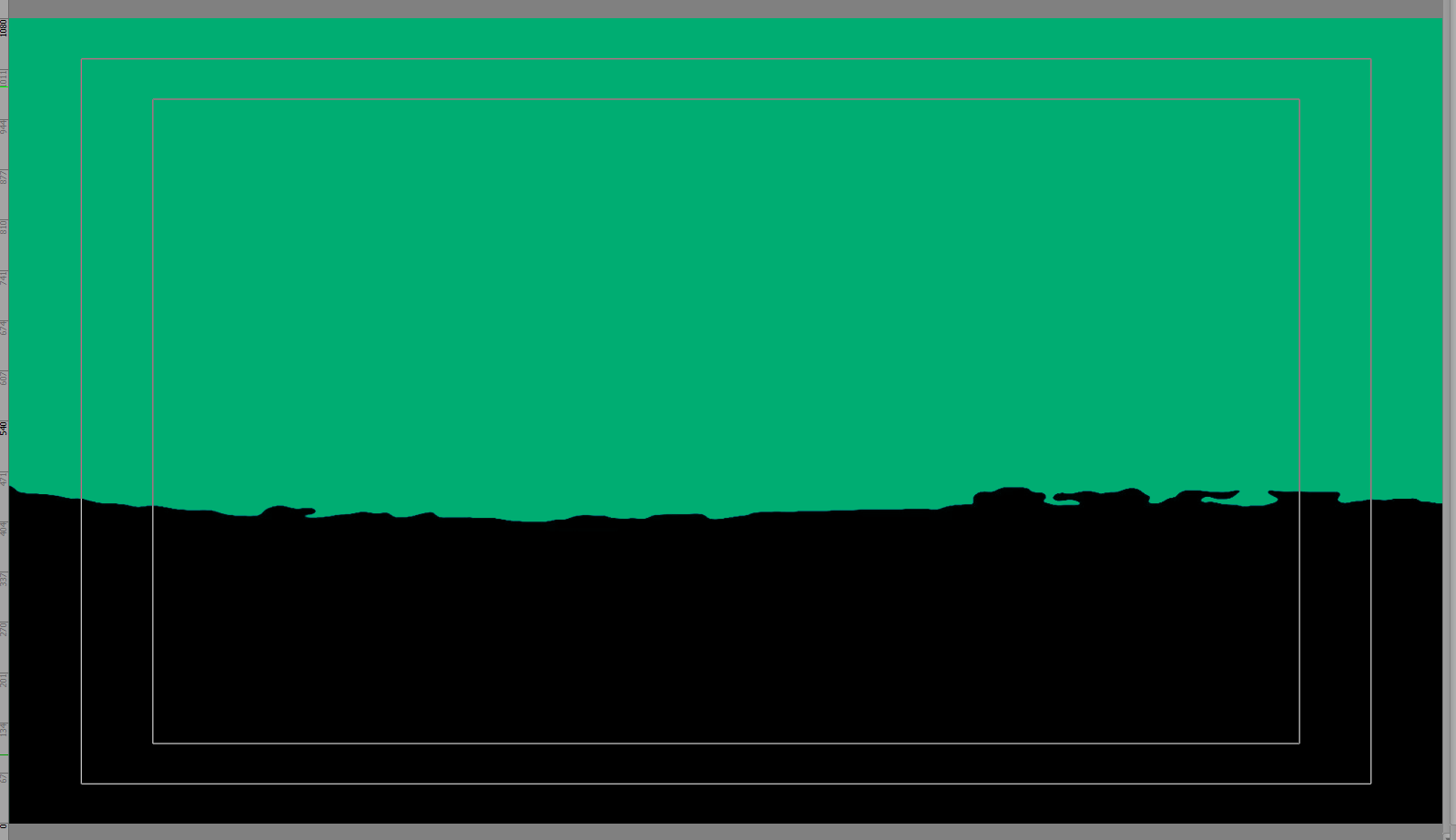
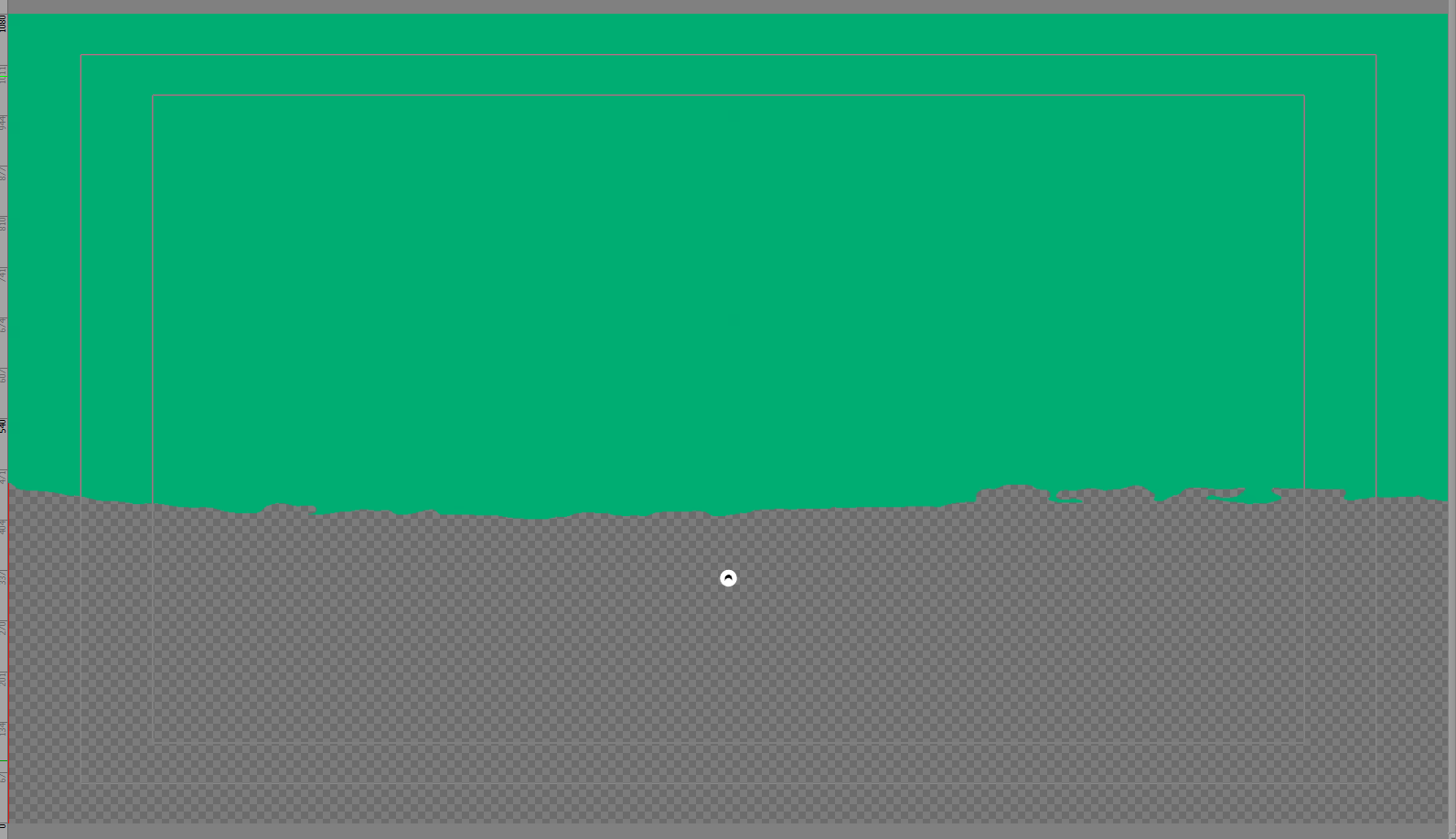
    Original Message:
    Sent: 01-08-2025 14:43
    From: mona tessema
    Subject: How to create an inverted alpha mask?

    Logo Group is inside MainBuild folder that is why it is disappearing or maybe positioning? 


    Original Message:
    Sent: 01-08-2025 12:33
    From: Simon Redmile
    Subject: How to create an inverted alpha mask?

    To use a slab to mask out another object like a quad you can do this;

    Layer object

    Slab with corners for example, render all channels, be sure to put a material on your slab, I have used black here. 

    On the quad to the alpha channel off. 

    result


    ------------------------------
    Simon Redmile
    Senior Graphic Programmer & Designer
    Ross Video
    Bristol United Kingdom

    Original Message:
    Sent: 01-08-2025 10:41
    From: Lea Guerrero
    Subject: How to create an inverted alpha mask?

    How do you create an inverted alpha mask?
    ------------------------------
    Lea Guerrero
    ------------------------------


  • 6.  RE: How to create an inverted alpha mask?

    Posted 01-08-2025 14:52

    Did you zero out your group positions?

    If not this can happen, it's probably just shot of screen somewhere, try dropping the entire tree in a group and moving it back onto the screen. 


    ------------------------------
    Simon Redmile
    Senior Graphic Programmer & Designer
    Ross Video
    Bristol United Kingdom
    ------------------------------


  • 7.  RE: How to create an inverted alpha mask?

    Posted 01-08-2025 12:40

    If you are using an image as a mask then you can invert in the mask image. 


    ------------------------------
    Simon Redmile
    Senior Graphic Programmer & Designer
    Ross Video
    Bristol United Kingdom
    ------------------------------


  • 8.  RE: How to create an inverted alpha mask?

    Posted 01-08-2025 16:17

    Alternate Solution

    https://rossvideo.community/discussion/bw-images-as-a-mask-solution?ReturnUrl=%2fcommunities%2fcommunity-home%2fdigestviewer%3fcommunitykey%3d91812bfd-9393-4a3f-8a74-7f8035df130e


    ------------------------------
    Azathoth
    Son of Cthulhu
    ------------------------------


  • 9.  RE: How to create an inverted alpha mask?

    Posted 07-08-2025 15:10
      |   view attached

    This is the behavior I am looking for.  I have used this before on other systems and it is extremely useful.  I may have the black/white reversed in my example, but I'm sure you can get the idea.


    ------------------------------
    Kraig
    ------------------------------


  • 10.  RE: How to create an inverted alpha mask?

    Posted 07-08-2025 15:15

    Also, making this a 1-click checkbox option would be most useful.


    ------------------------------
    Kraig
    ------------------------------


  • 11.  RE: How to create an inverted alpha mask?

    Posted 07-08-2025 15:27
      |   view attached

    ...and, if you are using an shape with mask material that was generated in XPression, it should behave like this.  This is a flattened sphere with mask applied to the surface:


    ------------------------------
    Kraig
    ------------------------------


  • 12.  RE: How to create an inverted alpha mask?

    Posted 07-08-2025 15:32

    I understand what you want, I use Ps and Ae daily as well as XPression, I am just trying to help you get what you want with the tools avaiable right now. 

    If you make your image behind the same size as the image infront and then scale the texture, you will have what you want behavour wise for now. 

    I have spoken to the XPression team, as XPression is 3D objects not just 2D pixels there is more to to caculate and they need to impliment it in a way that keeps the render engine with real-time. They are, however, looking into how this behaviour might be managed inside the XPression.


    ------------------------------
    Simon Redmile
    Senior Graphic Programmer & Designer
    Ross Video
    Bristol United Kingdom
    ------------------------------


  • 13.  RE: How to create an inverted alpha mask?

    Posted 07-08-2025 15:44

    Thanks Simon, I appreciate your help!


    ------------------------------
    Kraig
    ------------------------------


  • 14.  RE: How to create an inverted alpha mask?

    Posted 07-08-2025 16:51

    No problem!


    ------------------------------
    Simon Redmile
    Senior Graphic Programmer & Designer
    Ross Video
    Bristol United Kingdom
    ------------------------------


  • 15.  RE: How to create an inverted alpha mask?

    Posted 07-08-2025 21:21

    This is my best method for creating an inverted mask, especially for video material.
    Of course, an 'invert' button would make things much easier.


    ------------------------------
    Patrick Mirakian
    Director, Manager
    Tahiti Nui Television (TNTV)
    ------------------------------


  • 16.  RE: How to create an inverted alpha mask?

    Posted 07-09-2025 05:21

    On video mask you can just change this to invert


    ------------------------------
    Simon Redmile
    Senior Graphic Programmer & Designer
    Ross Video
    Bristol United Kingdom
    ------------------------------


  • 17.  RE: How to create an inverted alpha mask?

    Posted 07-09-2025 18:48

    Could you upload a sample video of your final result?

    I've been asked before if we can use animated Matte transitions, but I've never seen a sample of how to. Your sample appears to be precisely that, if I'm not wrong.

    Thank You.


    ------------------------------
    Alejandro Galvan
    LA36 LOS ANGELES TV ACCESS
    ------------------------------


  • 18.  RE: How to create an inverted alpha mask?

    Posted 07-09-2025 19:32

    Inverted mask.xpp


    ------------------------------
    Patrick Mirakian
    Director, Manager
    Tahiti Nui Television (TNTV)
    ------------------------------


  • 19.  RE: How to create an inverted alpha mask?

    Posted 07-10-2025 02:57

    Cool, thank you. I will be sure to check out your attachment.


    ------------------------------
    Alejandro Galvan
    LA36 LOS ANGELES TV ACCESS
    ------------------------------


  • 20.  RE: How to create an inverted alpha mask?

    Posted 07-10-2025 05:28
      |   view attached

    Check out this video (attached), its about one click more (if you ignore my misclick lol!) than the check box in Ae. 


    ------------------------------
    Simon Redmile
    Senior Graphic Programmer & Designer
    Ross Video
    Bristol United Kingdom
    ------------------------------


  • 21.  RE: How to create an inverted alpha mask?

    Posted 07-10-2025 06:12

    Hi Simone,

    Can you please share your project, beacause when I try to invert the Alpha Blending in the Material Editor, I don't have the same result

    Still have a black baground

    Thank you.


    ------------------------------
    Patrick Mirakian
    Director, Manager
    Tahiti Nui Television (TNTV)
    ------------------------------


  • 22.  RE: How to create an inverted alpha mask?

    Posted 07-10-2025 06:19

    Are you using a layer object? 


    ------------------------------
    Simon Redmile
    Senior Graphic Programmer & Designer
    Ross Video
    Bristol United Kingdom
    ------------------------------


  • 23.  RE: How to create an inverted alpha mask?

    Posted 07-10-2025 06:26

    yes


    ------------------------------
    Patrick Mirakian
    Director, Manager
    Tahiti Nui Television (TNTV)
    ------------------------------


  • 24.  RE: How to create an inverted alpha mask?

    Posted 07-10-2025 06:28

    Can I have that video? 


    ------------------------------
    Simon Redmile
    Senior Graphic Programmer & Designer
    Ross Video
    Bristol United Kingdom
    ------------------------------


  • 25.  RE: How to create an inverted alpha mask?

    Posted 07-10-2025 06:32

    Of course :
    https://drive.google.com/file/d/1c4MBgG1BuyMKOtThfjQWTtFm5stXxYwI/view?usp=sharing


    ------------------------------
    Patrick Mirakian
    Director, Manager
    Tahiti Nui Television (TNTV)
    ------------------------------


  • 26.  RE: How to create an inverted alpha mask?

    Posted 07-10-2025 06:47


    ------------------------------
    Simon Redmile
    Senior Graphic Programmer & Designer
    Ross Video
    Bristol United Kingdom
    ------------------------------


  • 27.  RE: How to create an inverted alpha mask?

    Posted 07-10-2025 07:00

    I forgot to change in the Materiel Editor, Layer 1 to Alpha Mask 😁

    Thank you Simon 


    ------------------------------
    Patrick Mirakian
    Director, Manager
    Tahiti Nui Television (TNTV)
    ------------------------------


  • 28.  RE: How to create an inverted alpha mask?

    Posted 07-10-2025 07:11

    Np!


    ------------------------------
    Simon Redmile
    Senior Graphic Programmer & Designer
    Ross Video
    Bristol United Kingdom
    ------------------------------


  • 29.  RE: How to create an inverted alpha mask?

    Posted 07-10-2025 07:21
    I mean,the  what else am I doing wrong? This sample is similar to the one Simon created. Two quads inside a Layer Object. My video matte is set to Alpha Mask (Layer 1) and then video is set to invert. And it's still not working. 


    ------------------------------
    Alejandro Galvan
    LA36 LOS ANGELES TV ACCESS
    ------------------------------


  • 30.  RE: How to create an inverted alpha mask?

    Posted 07-10-2025 07:02
    My text disappears when I leave it as an Alpha Mask and then Invert It. I tried two Layer Objects, but no luck.  


    ------------------------------
    Alejandro Galvan
    LA36 LOS ANGELES TV ACCESS
    ------------------------------


  • 31.  RE: How to create an inverted alpha mask?

    Posted 07-10-2025 07:12

    You red is below text in your scene tree? please expand scene tree. 


    ------------------------------
    Simon Redmile
    Senior Graphic Programmer & Designer
    Ross Video
    Bristol United Kingdom
    ------------------------------


  • 32.  RE: How to create an inverted alpha mask?

    Posted 07-10-2025 07:24


    ------------------------------
    Alejandro Galvan
    LA36 LOS ANGELES TV ACCESS
    ------------------------------


  • 33.  RE: How to create an inverted alpha mask?

    Posted 07-10-2025 07:34

    use a quad not a background object, the quad needs to be above your text objects in your scene tree (object manager)

    XPression renders the scene tree from the top down similar to other 3D software like Cinema4D rather than bottom up like 2D software like Ae, Ps. 


    ------------------------------
    Simon Redmile
    Senior Graphic Programmer & Designer
    Ross Video
    Bristol United Kingdom
    ------------------------------


  • 34.  RE: How to create an inverted alpha mask?

    Posted 07-10-2025 07:35
    I moved my background on top of my text layers, but as you can see I still don't see the matte animation.


    ------------------------------
    Alejandro Galvan
    LA36 LOS ANGELES TV ACCESS
    ------------------------------


  • 35.  RE: How to create an inverted alpha mask?

    Posted 07-10-2025 07:36

    Give me your scene, I'll get it working and pass it back. 


    ------------------------------
    Simon Redmile
    Senior Graphic Programmer & Designer
    Ross Video
    Bristol United Kingdom
    ------------------------------


  • 36.  RE: How to create an inverted alpha mask?

    Posted 07-10-2025 07:45

    https://www.dropbox.com/scl/fi/vppnp06olw8dthrx3ygzg/Inverted-mask.xpe?rlkey=t1fyi71agke8gngi4fi67vrt6&dl=0

    Here you go. Thank you.


    ------------------------------
    Alejandro Galvan
    LA36 LOS ANGELES TV ACCESS
    ------------------------------


  • 37.  RE: How to create an inverted alpha mask?

    Posted 07-10-2025 07:53

    Your video has no cutout / alpha / key you can see bellow its solid. 


    ------------------------------
    Simon Redmile
    Senior Graphic Programmer & Designer
    Ross Video
    Bristol United Kingdom
    ------------------------------


  • 38.  RE: How to create an inverted alpha mask?

    Posted 07-10-2025 05:32

    I've downloaded and inspected your project but it's not working for what I needed to do. Perhaps it's not possible, as I haven't been able to find any video or article that confirms it's possible. Maybe i'm reaching for something that isn't there.

    I am attaching a MATTE video clip for sample use but what I was asked was if I could use different matte animations to reveal a full screen or lower third that I have created already in Xpression. 

    https://www.dropbox.com/scl/fi/0tg68kl4rgeoofus7qnl9/PBT-1.mov?rlkey=mxo1yfrp0mwme90t7wyo4iolx&dl=0

    I tried the different blending modes in each material and then on each Layer Object but no luck.😓

    Thank you.


    ------------------------------
    Alejandro Galvan
    LA36 LOS ANGELES TV ACCESS
    ------------------------------


  • 39.  RE: How to create an inverted alpha mask?

    Posted 07-10-2025 05:53
      |   view attached

    So that video is a .mov, you'll need to make an .avi to use in XPression. 

    You also have no alpha channel in that video its just black and white. 

    I have added one in the attached video. 

    following settings 

    and theni f yuou need 


    ------------------------------
    Simon Redmile
    Senior Graphic Programmer & Designer
    Ross Video
    Bristol United Kingdom
    ------------------------------

    Note : Recently uploaded media files are still processing:

    • PBT 1.avi


  • 40.  RE: How to create an inverted alpha mask?

    Posted 07-10-2025 05:56

    When I use your MATTE video (Xpression codec) and change Blending mode to Darken, it seems to work


    ------------------------------
    Patrick Mirakian
    Director, Manager
    Tahiti Nui Television (TNTV)
    ------------------------------


  • 41.  RE: How to create an inverted alpha mask?

    Posted 07-10-2025 06:13

    Surely its not a mask then though its just black? 

    Video wth darken on.
    My video with alpha 


    ------------------------------
    Simon Redmile
    Senior Graphic Programmer & Designer
    Ross Video
    Bristol United Kingdom
    ------------------------------


  • 42.  RE: How to create an inverted alpha mask?

    Posted 07-10-2025 06:40

    Thank you Patrick and Simon for all this inside.

    Yes, my video is already converted for Xpression. Yes, the video doesn't have an alpha it's only a B&W video. In Ae we usually change our blending mode to Screen, and it gives us that reveal look with alpha.

    @Simon Redmile Your last screenshots are closer to what I am trying to accomplish. Do you have it inside a Layer Object? i'm guessing the green is a Solid quad with a green material, correct?

    Here is what I get when I change mine to Darken.

    AVI Matte


    ------------------------------
    Alejandro Galvan
    LA36 LOS ANGELES TV ACCESS
    ------------------------------


  • 43.  RE: How to create an inverted alpha mask?

    Posted 07-10-2025 07:10

    Screen and darken are for combining layers, screen usualyl to add light effects, darken to adding things like grunge. 

    For a mask, you need to use alpha mask so the video will need to use a video or image with an alpha. 


    ------------------------------
    Simon Redmile
    Senior Graphic Programmer & Designer
    Ross Video
    Bristol United Kingdom
    ------------------------------


  • 44.  RE: How to create an inverted alpha mask?

    Posted 07-16-2025 04:34
    Thanks Simon and Patrick. So, what I've learned is that Xpression cannot interpret Mattes that do not have Alphas, unlike Ae.
    I was able to achieve the effect I was aiming for in the bottom two samples. Instead of wasting more time with the Blending modes in Xpression, I went into After Effects and added an Alpha. Fortunately, it's very simple (see attachment). I used two pre-compositions, but it works the same with black and white clips. While inspecting the video specs between the Paintbrush effect and the falling Triangles, I noticed both lacked alpha channels, were black and white, and were both H.264 files. The only difference I saw was that the Paintbrush ended with a completely solid white background, whereas the falling triangles only went in and out. So I added a solid background and followed the same steps as with the Paintbrush, and it worked as expected.
    Hope this helps someone else.
    I wish Xpression had an easier way to speed up and reverse clips instead of using multiple Events, but it's fine, it works.


    ------------------------------
    Alejandro Galvan
    LA36 LOS ANGELES TV ACCESS
    ------------------------------


  • 45.  RE: How to create an inverted alpha mask?

    Posted 07-16-2025 05:03

    All you need to do in After effects is use Keylight effect, select the colour want to remove and remove it. 

    In XPression, to reverse a video just right-click reverse. 


    ------------------------------
    Simon Redmile
    Senior Graphic Programmer & Designer
    Ross Video
    Bristol United Kingdom
    ------------------------------


  • 46.  RE: How to create an inverted alpha mask?

    Posted 07-16-2025 06:03

    When I said I would like to see easier playback controls, I meant in the Material when someone imports a clip. Right-clicking inside the Scene Director works, too, but only if you're dropping that clip inside the Scene Director. I've used loops where I don't have to drop it into a Scene Director timeline.

    Key lights is good. I used to use Dojo BG Remover better back in the day. Worked much better than Key lights. But Dojo only removes either white or black. key lights is any color but then you have play with the sliders to make sure you get a clean key. 

    The new way (using a black and white clip) is better and easier than key lights because you literally only have duplicate your clip in your timeline, make sure modes is on, and tell your higher clip that the bottom is ur track matte click on the box next to it which switches between Luma and Alpha key n done. Super easy.


    ------------------------------
    Alejandro Galvan
    LA36 LOS ANGELES TV ACCESS
    ------------------------------


  • 47.  RE: How to create an inverted alpha mask?

    Posted 07-16-2025 06:21

    So you want reverse as a control inside the shader? 

    Have you used KeyLight recently? Its built into Ae now and I rarely need to make any adjustments anymore unless the source material is bad. 

    I have used the method you mentioned as well and it is good but when I read your description I thought you described some issues with it, thats the only reason I mentioned Keylight. 


    ------------------------------
    Simon Redmile
    Senior Graphic Programmer & Designer
    Ross Video
    Bristol United Kingdom
    ------------------------------