No there is no video output as the switcher uses a FPGA for video processing. This is just simulating the Linux OS that runs on the CPU to handle control and communications.
Feel free to sign up for a Carbonite Code Free trial on the website. That can run a full version of an NDI Carbonite for 30 days. Requires a decent computer with Intel CPU and nVidia Graphics.
------------------------------
Les O'Reilly
Director - Switcher Product Management
------------------------------
Original Message:
Sent: 04-13-2025 15:25
From: Miles van Haveren
Subject: I am having trouble setting up the OVA Carbonite Black Simulator Download
thank you for responding! i figured out the issues because of you response. follow up is their anyway to get like a mock Multiview? i plan to use this for training purposes only for myself and want a visual output to look at for reference. i saw their might be a way with Xpression but Im not sure. thank you.
------------------------------
Miles van Haveren
Student intern
contractor
------------------------------
Original Message:
Sent: 04-13-2025 12:39
From: Les O'Reilly
Subject: I am having trouble setting up the OVA Carbonite Black Simulator Download
Please post an image of where you are having trouble. Show the VB CMD line and then the issue you are having in DashBoard adding it.
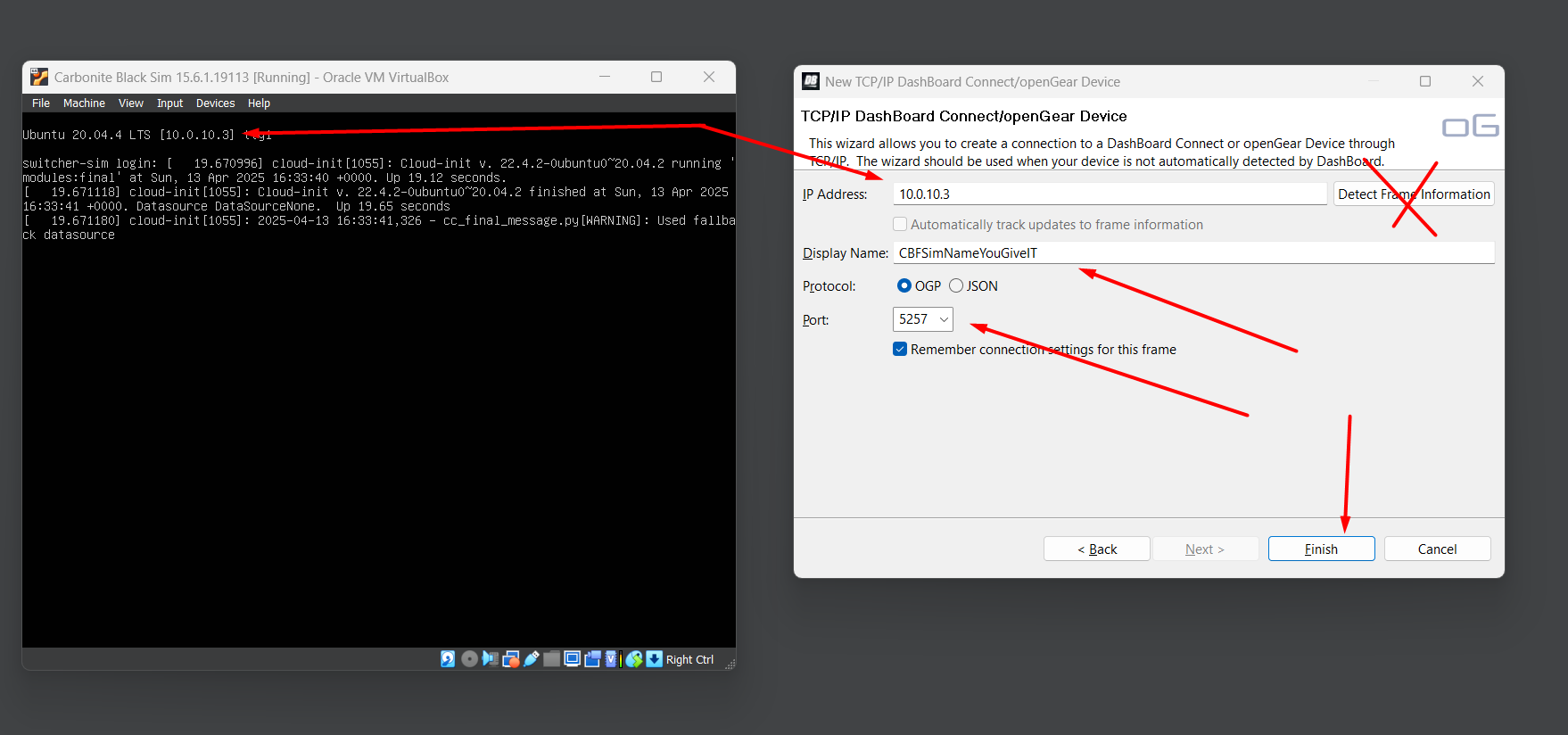
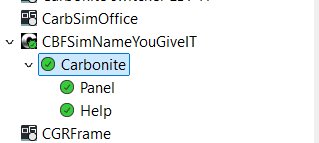
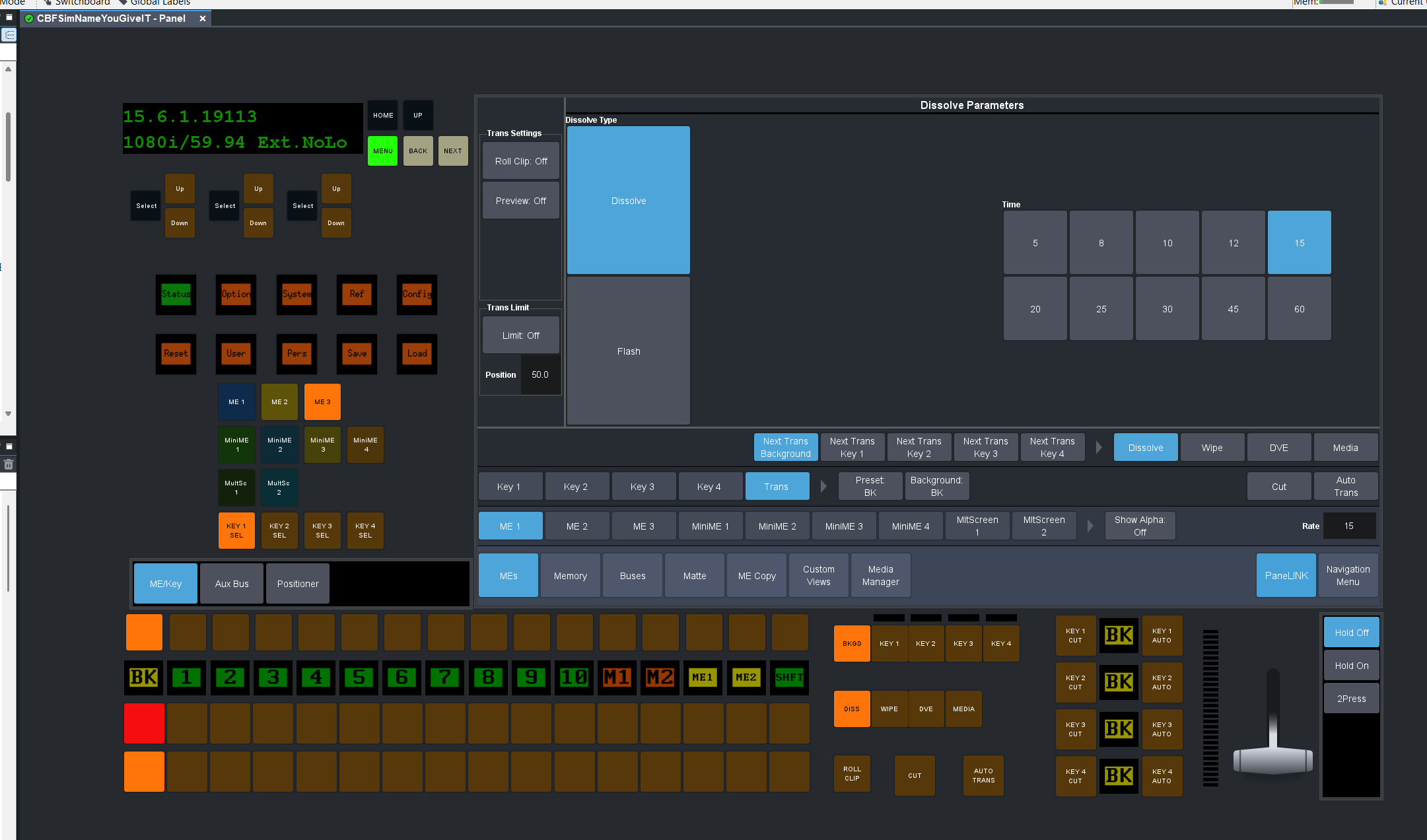
it is important to add the IP address seen in the cmd line -- give it a name you want and then use 5253 if you want just the main panel connection. 5257 will get the Virtual Panel. Then click on finish. The sim is pulling from DHCP so make sure you can ping it as well.
------------------------------
Les O'Reilly
Director - Switcher Product Management