Original Message:
Sent: 03-26-2026 22:41
From: Les O'Reilly
Subject: Roll Clip to fire Custom Control
Yes what that event is doing is sending a command to the device ... it is NOT triggering a Custom Control ON your switcher. So you would use like you suggest a GPI number that is going to trigger the button on the Dashboard panel you are using as a protocol converter.
RossTalk is just a TEXT String being sent over TCP or UDP. Default RossTalk is going to end the command with a CR/LF (Carriage Return and Line Feed). So it is possible you can setup a Generic device and build custom controls that will send "custom commands" that you type into the event in the Custom Control.
For the CB9 panel (or even a TD panel) if you press a trans type button like Dissolve so that the mini menu on the panel with the three knobs will follow and display the transition menu -- you will see the middle knob button will be the Roll Clip mode -- you can turn it to turn it on and off.
On the Ultra Solo Manual page you will find a control panels button at the top
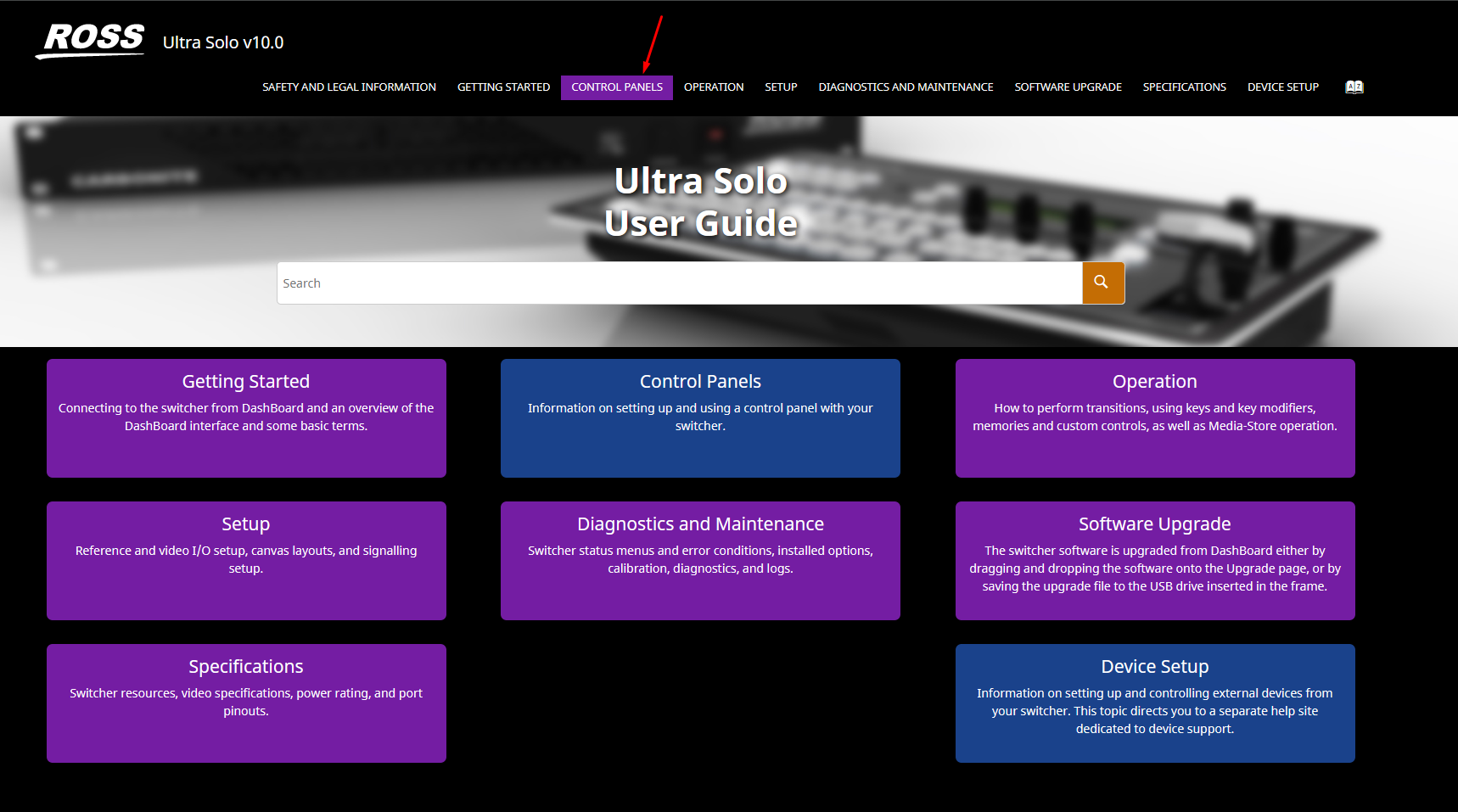
that will take you to the control panels docs
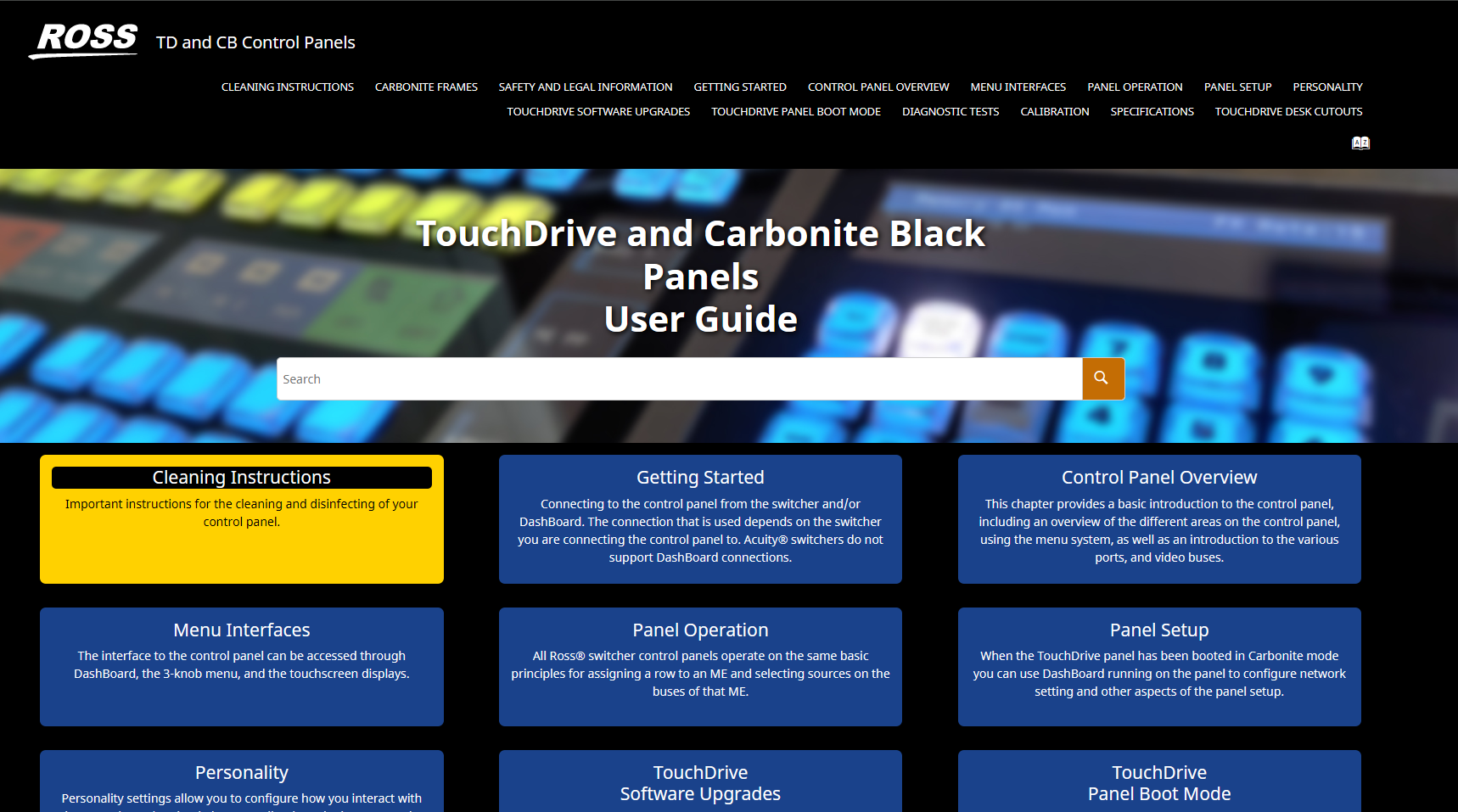
https://help.rossvideo.com/switcher-panels/index.html
However not sure if it is "totally" spelled out to look there for the CB9 panel.
------------------------------
Les O'Reilly
Director - Switcher Product Management
------------------------------
Original Message:
Sent: 03-26-2026 22:14
From: Jason Osborne
Subject: Roll Clip to fire Custom Control
Thanks Les.
I see, so to confirm, you are saying that for the Roll Command rather I would want it to be GPI and that will send straight to the custom panel like my custom controls already are doing?
And side related question - if I was to choose Custom Cmd for Roll Command and transport was set to UDP, that wouldn't allow me to send a UDP String across network right? Cause Ross Talk in this case is still going to be different than a normal UDP string?
And on the CB9-PANEL, I didn't see a ROLL CLIP button like I've seen on other panels, but did find the FORCE ROLL CLIP in the panel's menu and enabled that. Is there a manual for the CB9-PANEL? Or just the description page here: https://help.rossvideo.com/switcher-panels/Topics/Operation/Overviews/CB-Solo-PanelModules.html
Thank you,
------------------------------
Jason Osborne
LA
Original Message:
Sent: 03-26-2026 19:54
From: Les O'Reilly
Subject: Roll Clip to fire Custom Control
Yes but that is going to send that as the command -- that is not going to press the "switcher" custom control.
you would need something on the other end that would be looking for the CC bcc command -- ie CC 104
------------------------------
Les O'Reilly
Director - Switcher Product Management
Original Message:
Sent: 03-26-2026 19:22
From: Jason Osborne
Subject: Roll Clip to fire Custom Control
Hi Les,
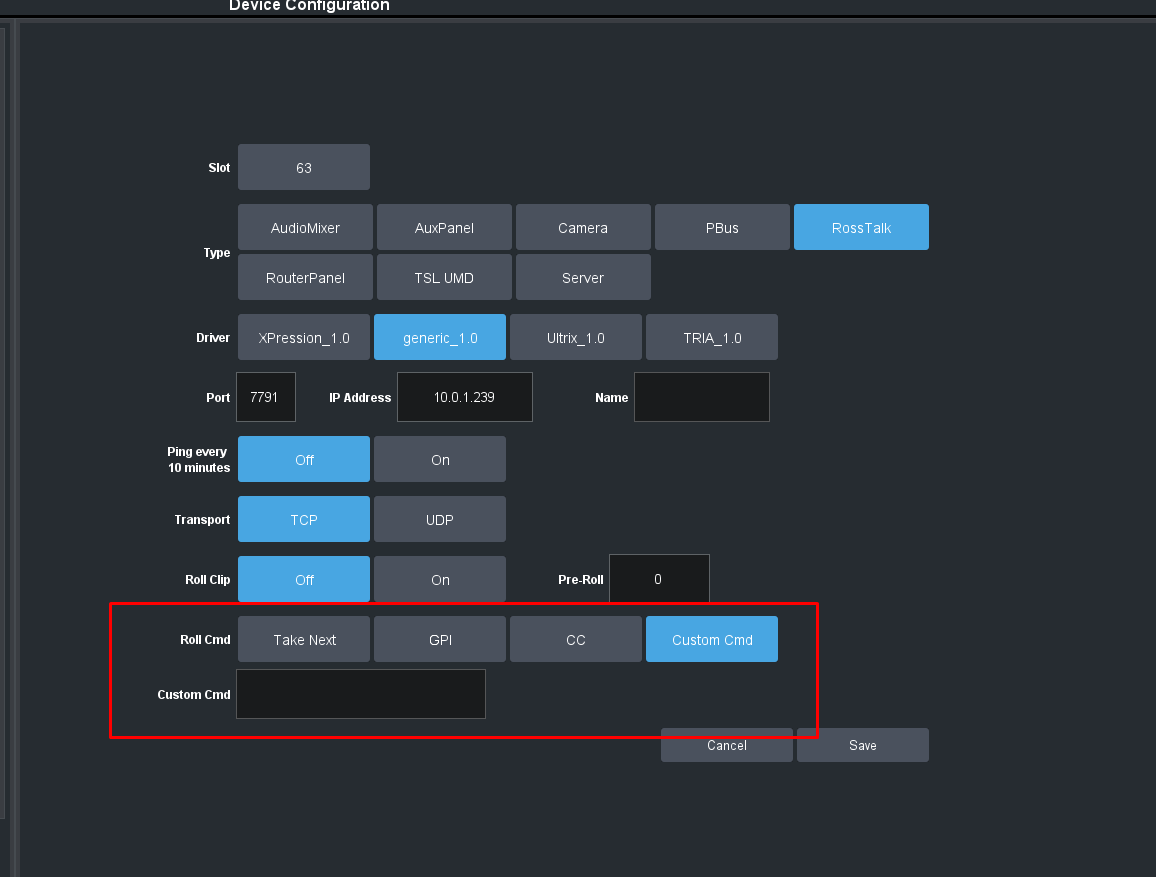
For the Roll Command I selected CC and chose the bank / cc number for the custom control.
Thanks,
------------------------------
Jason Osborne
LA
Original Message:
Sent: 03-26-2026 19:01
From: Les O'Reilly
Subject: Roll Clip to fire Custom Control
Hi Jason,
What did you setup for the command to be sent to the panel when Roll Clip is triggered?
------------------------------
Les O'Reilly
Director - Switcher Product Management