I was not able to replicate this is version 12.0 5958. When I added a graphics to an active rundown from a Project Server show that had one style, Remote Sequencer showed the style selected and XPression deployed the project. When I added a graphic from a show that had multiple styles, none of the styles showed up selected in Remote Sequencer, but XPression Studio did, in fact, load the project with one of the styles.
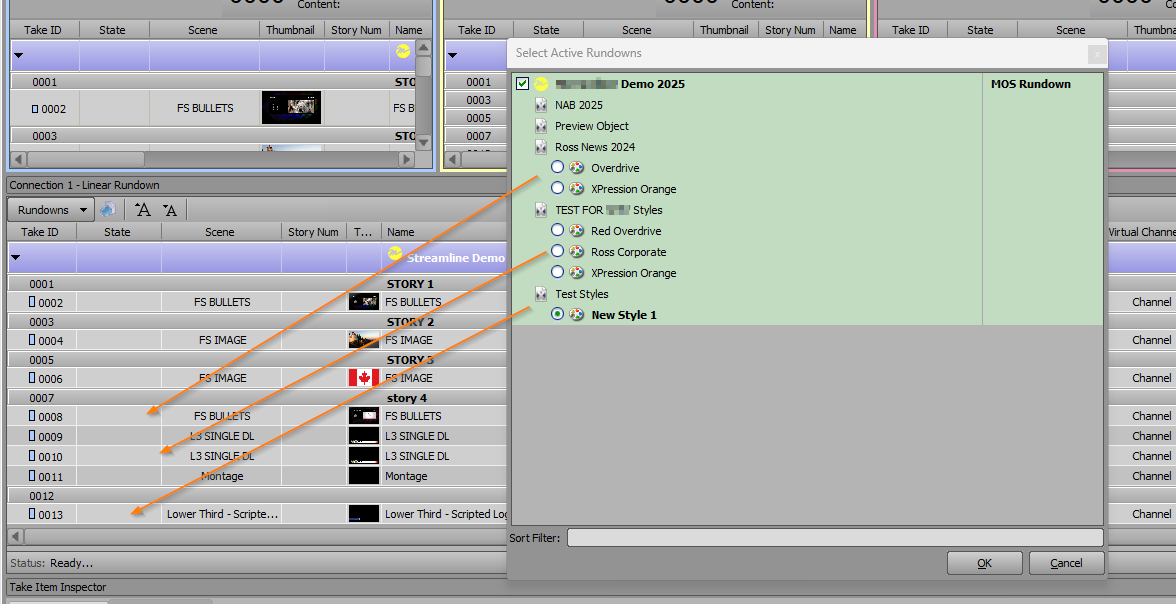
If I went back into the Select Active Rundowns dialog and changed to one of the other selectable styles for those shows, XPression would unload the project for the style it opened, and open the project of the style I chose. But if a show only has one style, there's no way to deselect and/or reselect it without unloading the entire project.
I'll pass this along to our product team for further review. In the meantime, my best suggestion for now would be to include at least one graphic from any show expected to be used in a rundown (i.e., add a graphic from the GMG Sports Show to your Friday afternoon and evening rundowns) so that the project will get loaded with the rest of the show and be there when the rest of the graphics for those segments are added to the rundown.
------------------------------
Jeff Mayer
Ross Video
------------------------------
Original Message:
Sent: 09-02-2025 10:03
From: John Robbins
Subject: Template deployment issue
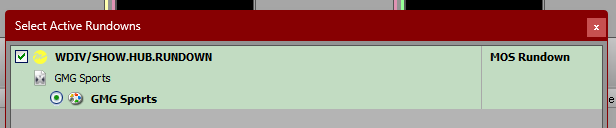
Yes, Remote Sequencer does show that the added show is ready (radio button selected). The screenshot below shows the original project when the rundown is activated:
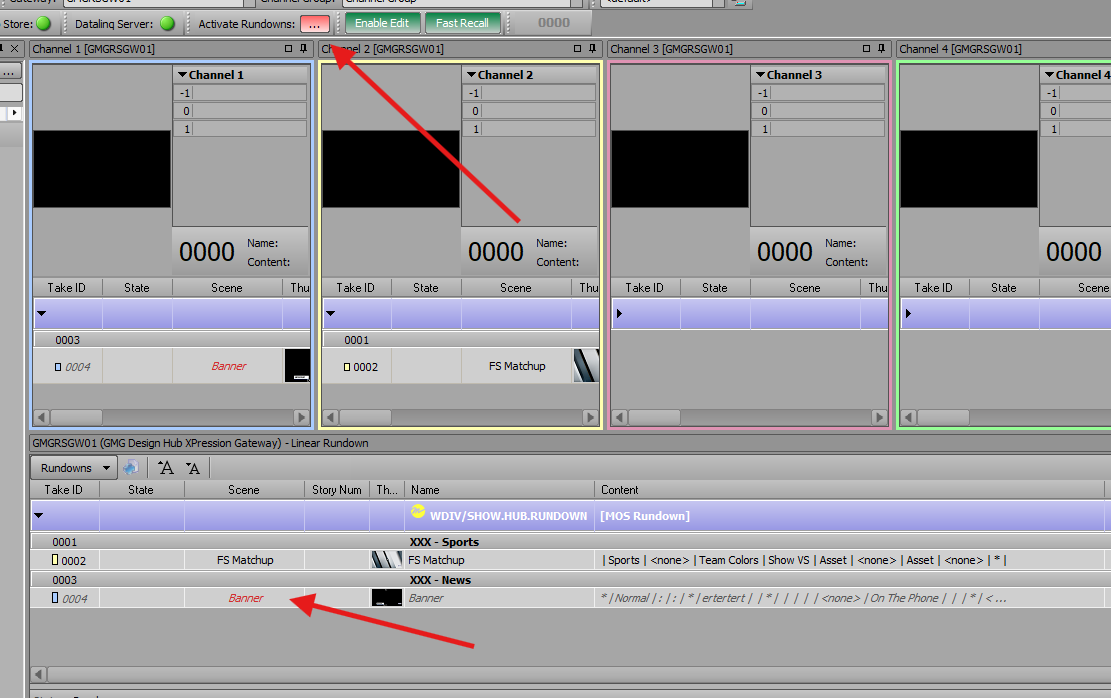
When a new project is added while the rundown is active, Remote Sequencer indicates that there's a new project active and does load the new scene into the rundown. The new scene is shown as unavailable, and the XPression engine shows a message that it's connecting to the project server but does not load the project:
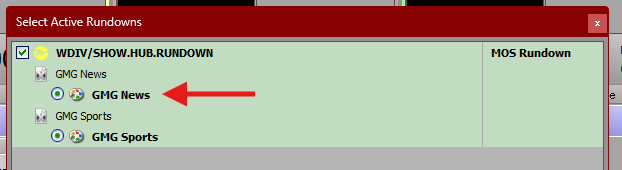
Clicking on the three dots in RS shows that the new project is already selected:
Deactivating and reactivating the rundown does force the added project to load. However, our stations generally have multiple rundowns activated at once and directors may not always be able to follow this procedure. Thank you for your help!
------------------------------
John Robbins
Graham Media Group INC
------------------------------
Original Message:
Sent: 08-30-2025 13:43
From: Jeff Mayer
Subject: Template deployment issue
Once the scene(s) from the Sports project are first added to the active rundown, is the Style radio button already in the Remote Sequencer Rundown Selection window?
------------------------------
Jeff Mayer
Ross Video
Original Message:
Sent: 08-29-2025 17:16
From: John Robbins
Subject: Template deployment issue
Additional update... it's not a single template. No templates are being loaded when they are from a project other than the one that was originally loaded when the rundown was activated in Remote Sequencer. Was there a bug fix for this on a later version? We're build 10.5 5547. Sample below was from a Remote Sequencer (build 5518) running on a test desktop.
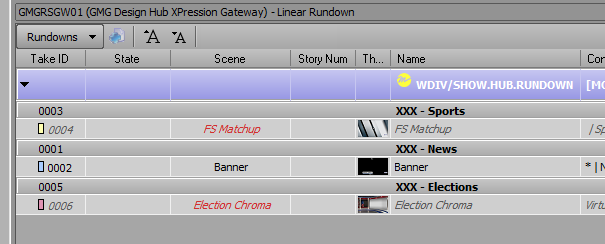
------------------------------
John Robbins
Graham Media Group INC
Original Message:
Sent: 08-29-2025 16:58
From: John Robbins
Subject: Template deployment issue
Some extra clarification on this... I was able to reproduce the issue by filing the template in question while another project was loaded in Remote Sequencer:
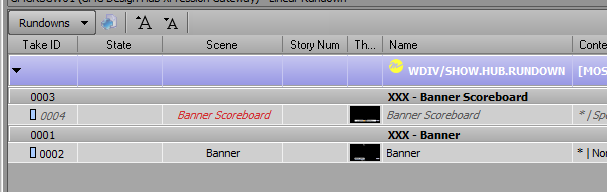
Remote Sequencer indicated that there was a new active rundown, and when going to select it (the three dots) it new project was listed (GMG Sports) and already preselected. So even though the project was active, it did not load on the engine causing the template (Banner Scoreboard) to not be available.
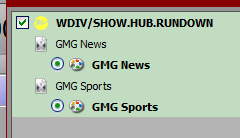
Deactivating and reactivating the rundown forced the new project to load. Wouldn't the expected behavior be that the new project would automatically load onto the engine if the rundown was active in Remote Sequencer? Thank you.
------------------------------
John Robbins
Graham Media Group INC