To validate that the PC is getting Tally you could setup a Tally Service in DashBoard to verify the updates.
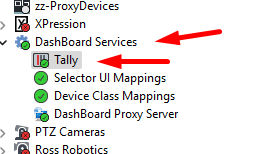
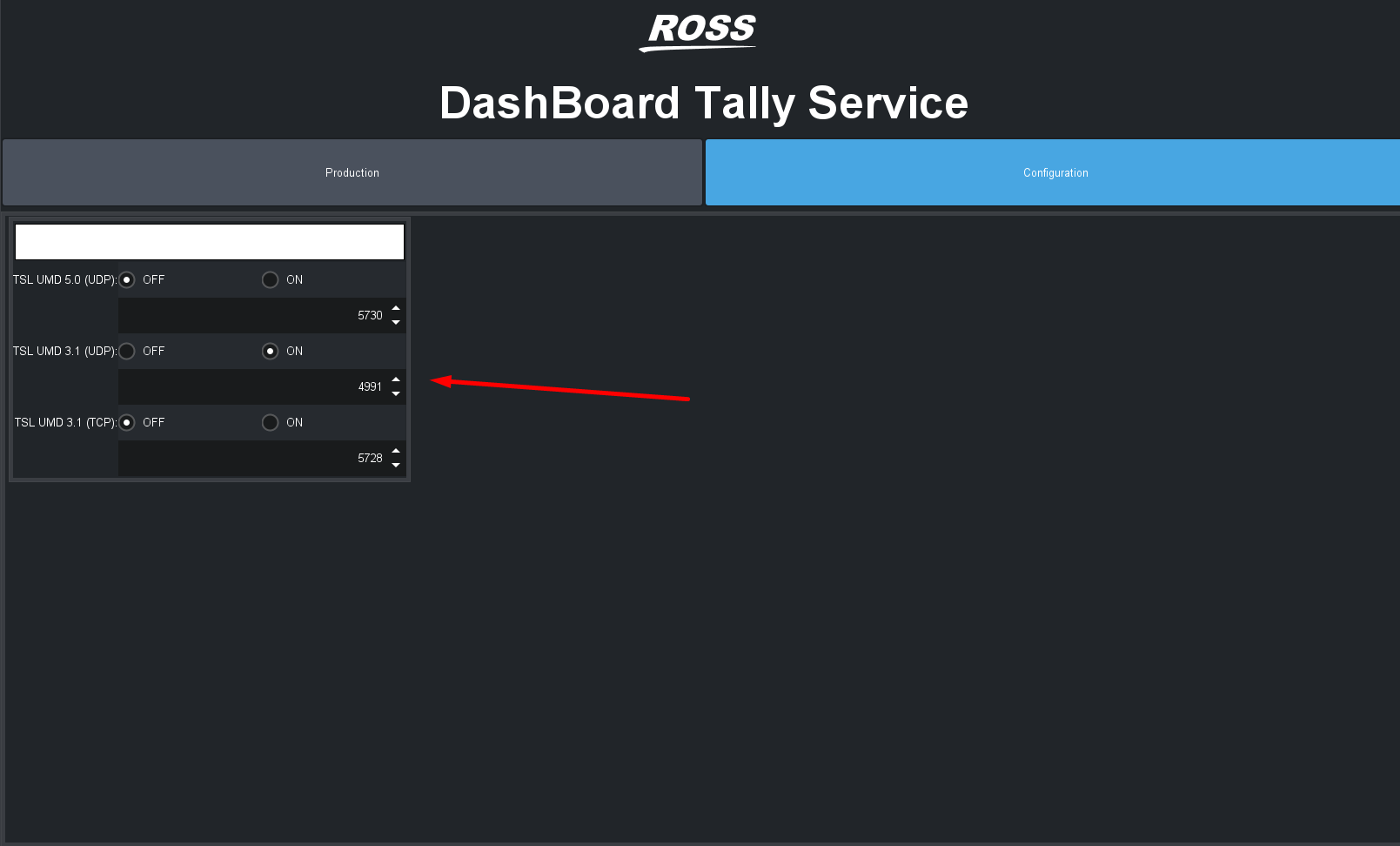
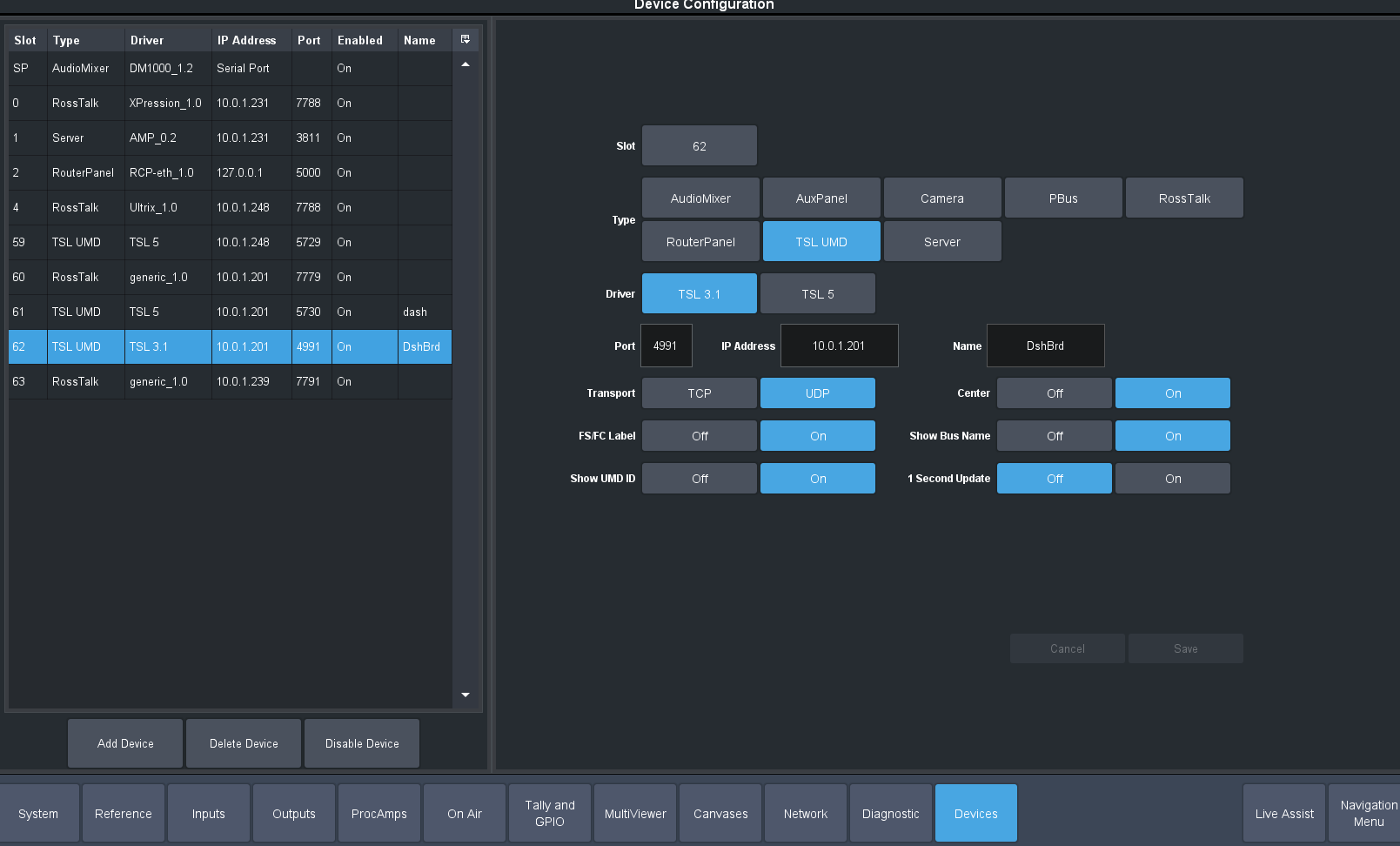
Add another TSL connection in your Devices
Now go to production mode and you can see if the Tally data is updating into that PC
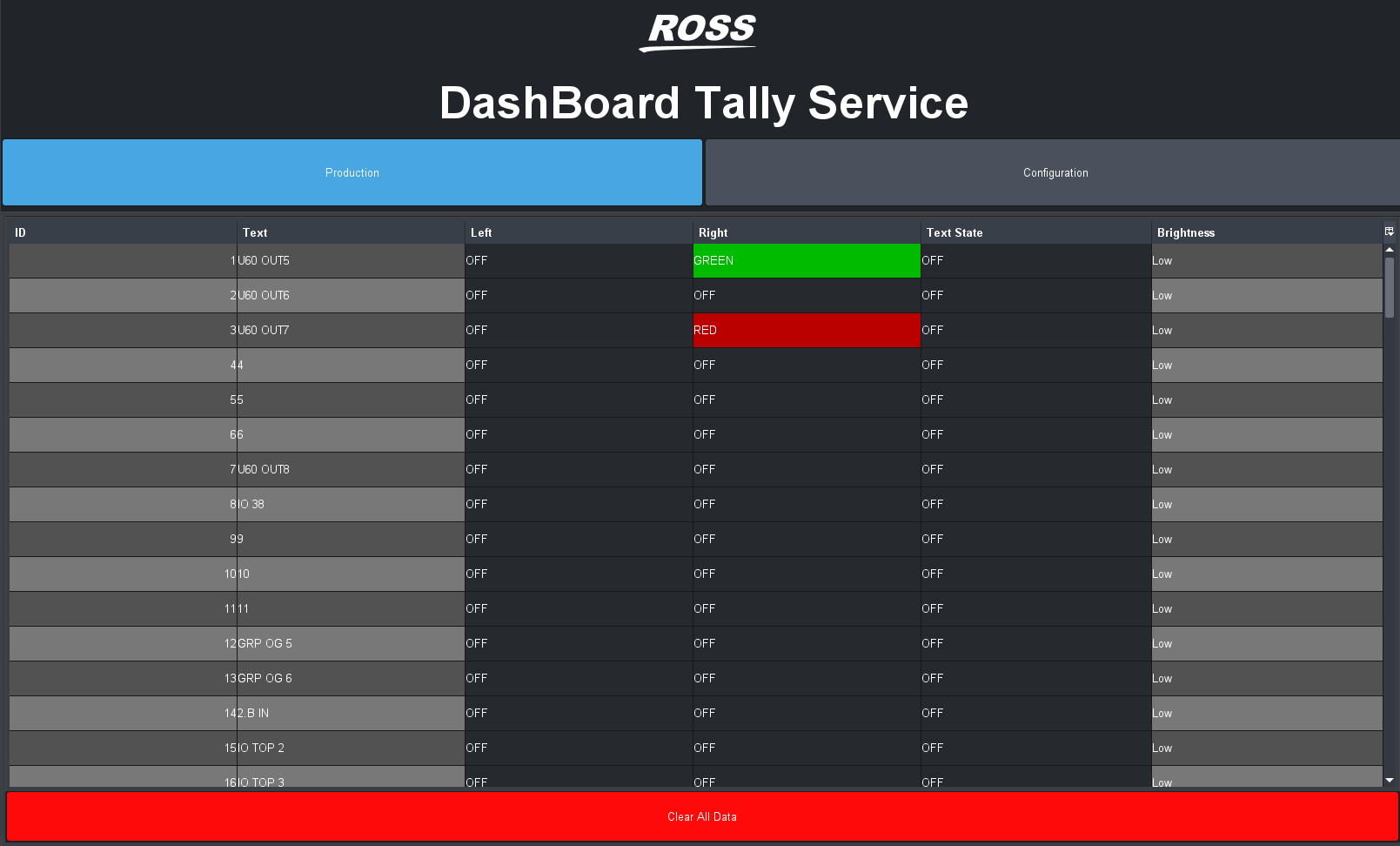
If not then you should look at firewall settings.
If you are seeing this then it leads to be something in the companion software and would recommend following up with Bitfocus as to what the issue might be. There has been times in the past like with their RossTalk module where updates have prevented some modules from working and those modules needed updating to resolve it.
------------------------------
Les O'Reilly
Director - Switcher Product Management
------------------------------
Original Message:
Sent: 10-03-2025 07:57
From: Mark Reitz
Subject: TSL data from Ultrix Carbonite to Companion
Hi Ross communityI'm trying to get tally feedback to my streamdeck keys via Companion. I would really appreciate some help on this one, as I've tried everything to get it to work but must be missing something...
I have added a device on carbonite side:
Type - TSL UMD
Driver - TSL 3.1
Port -4490
Transport - UDP
pointing to the IP address of the PC that is running companion.
In companion I have a TSL UMD Listener module successfully connected.
When I add button feedback I can see all my Carbonite inputs under the Tally Addres drop down menu, so that looks like a good sign, however the properties of the key does not change when the input is routed to the pgm bus.
I have tried everything I can think of with no luck. Any ideas what I might be missing here?
TIA
------------------------------
Mark Reitz
TD
markreitzphoto@gmail.com
------------------------------