How does one change the order that categories are presented in the XPression MOS plugin for a given show/project?
Shuffling the order of categories in the project manager tree in XPression Designer doesn’t seem to do it.
I feel like I used to know how to do this, but can’t find the answer anywhere in my brain or my notes.
Thanks!
Scott
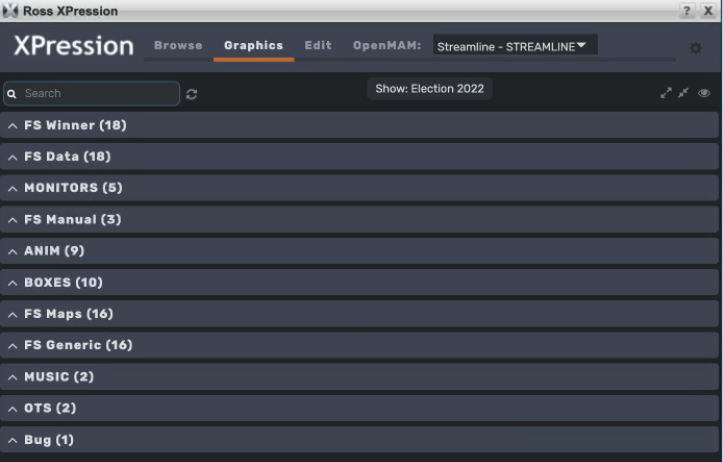
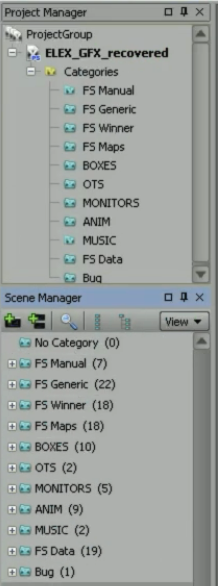
You’re correct that the order of Categories in the Plugin will reflect the order of Categories in the project’s Scene Manager. Have you published your changes from from Designer to the Project Server?
Yes, I’ve published changes. Everything else (scenes/materials/etc) are all updating as expected.
I just tried adding a new category to see how it behaves. I put it at the top of the Scene Manager list, but when published, it appears as the last category in the MOS plugin.
Seems like there must be a glitch with my project file or the show I’m publishing to. Not a big deal. Really was just wondering if I had missed a step.
Thanks –